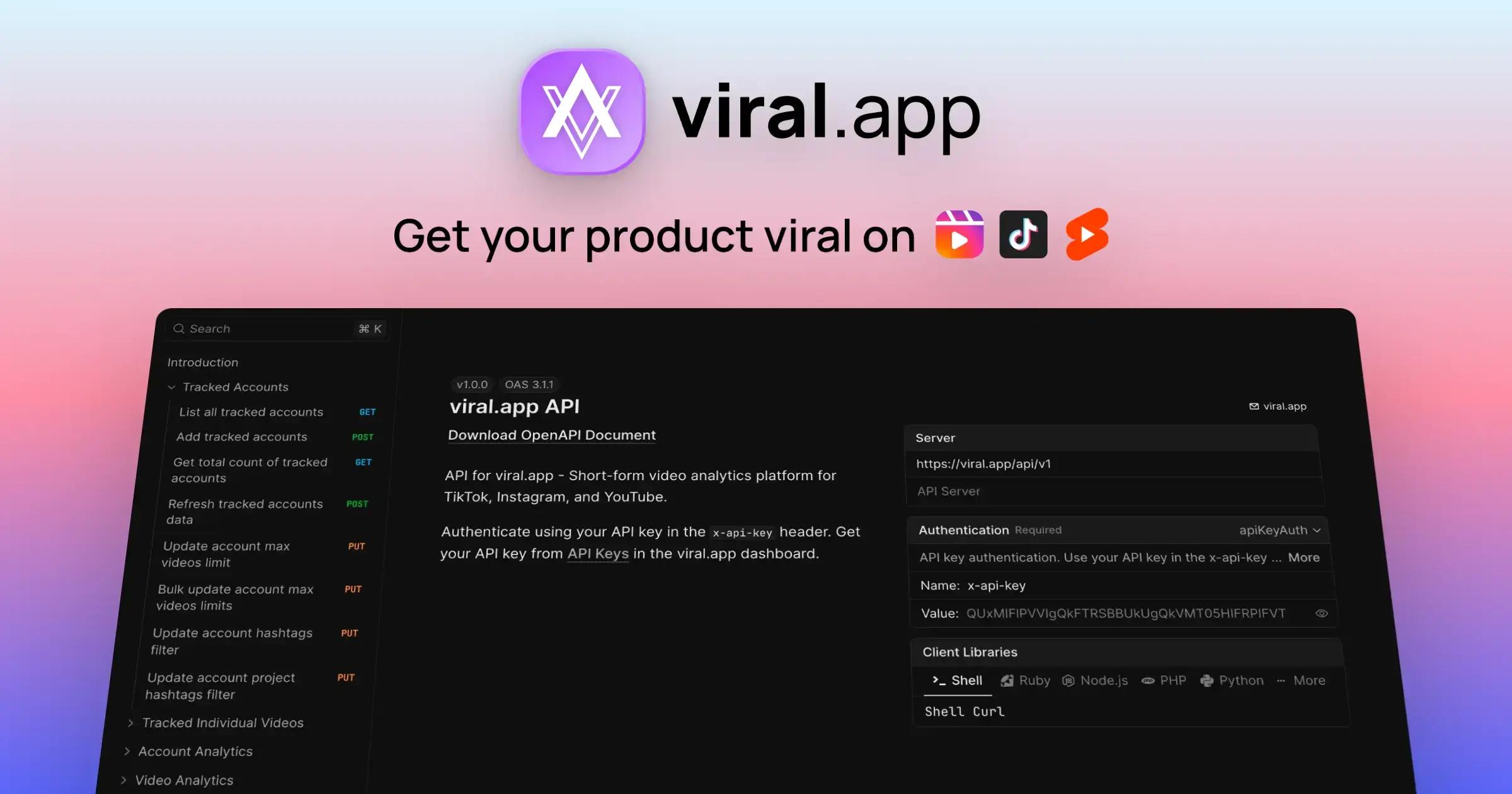
Teams use the viral.app API when they want to automate the operational layer of short-form creator programs — not just pull metrics into a dashboard. The best fits are agencies, app-growth teams, performance UGC operators, and internal tooling teams that need tracking, reporting, competitor monitoring, and payouts to work together.
viral.app API for Tracking, Alerts, Reporting & Payouts
If you run creator programs seriously, the real bottleneck is usually not “getting data.”
It is everything around the data:
- starting tracking fast
- keeping competitor monitoring clean
- pushing alerts into the channels your team already uses
- sending client-ready reports without manual exports
- calculating and initiating payouts without spreadsheet chaos
- wiring all of that into tools, automations, and increasingly AI agents
That is the real opportunity behind the viral.app API.
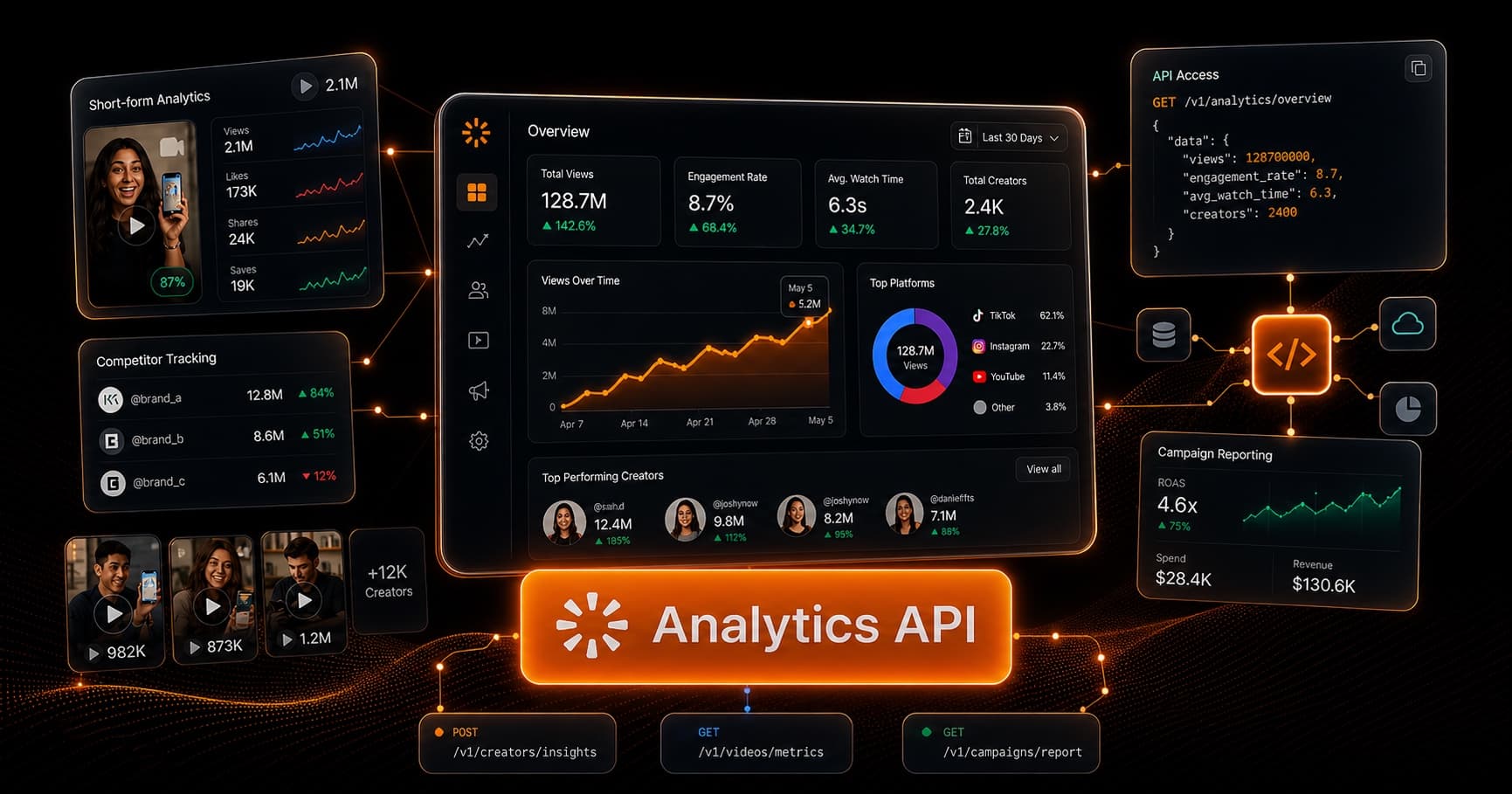
This is not just an analytics export layer. It is the programmable surface for short-form creator ops: tracking, competitor workflows, reporting, and payouts in one system.
The fastest way to understand the API
If you want the shortest route from zero to useful, start here:
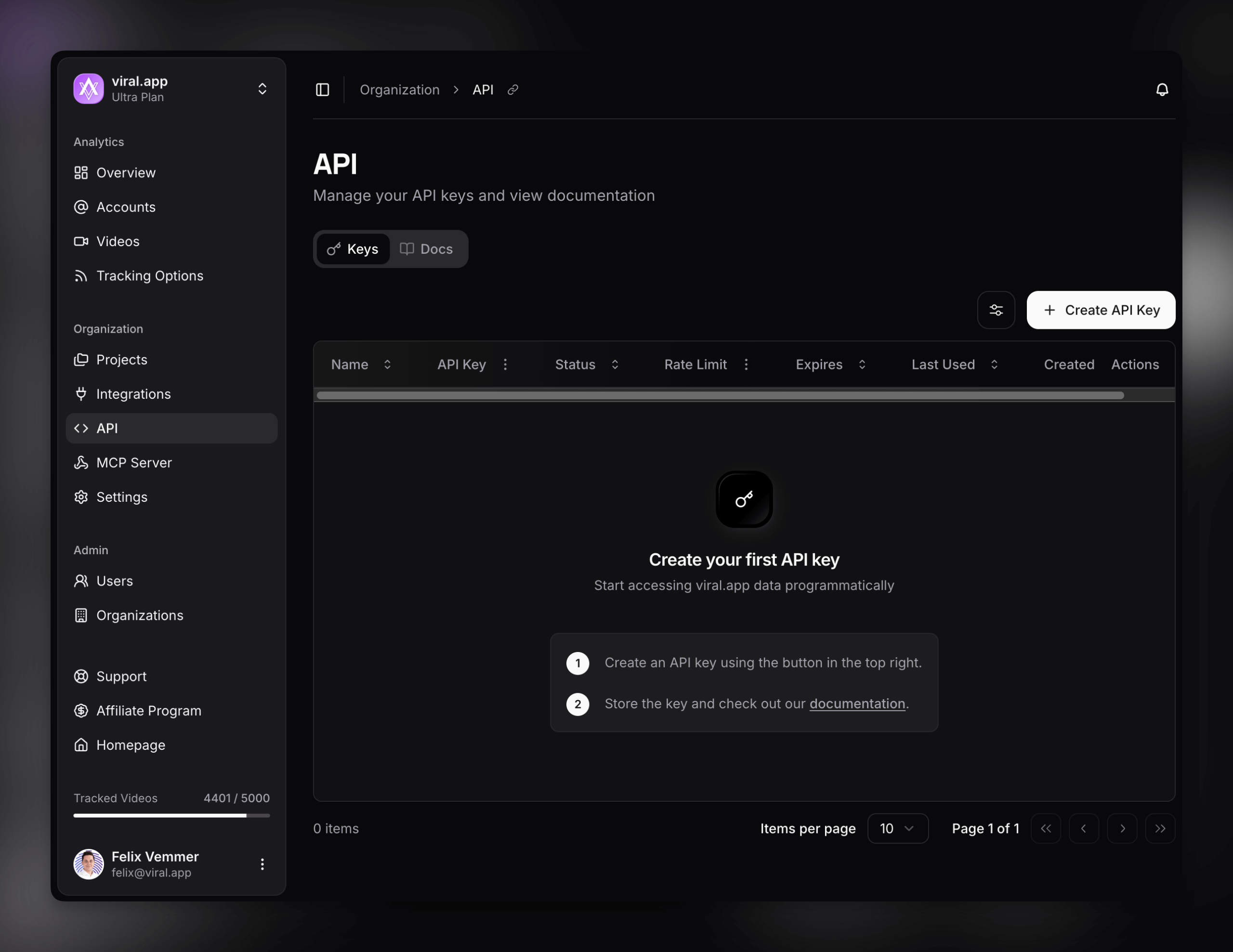
- create an API key in API Keys
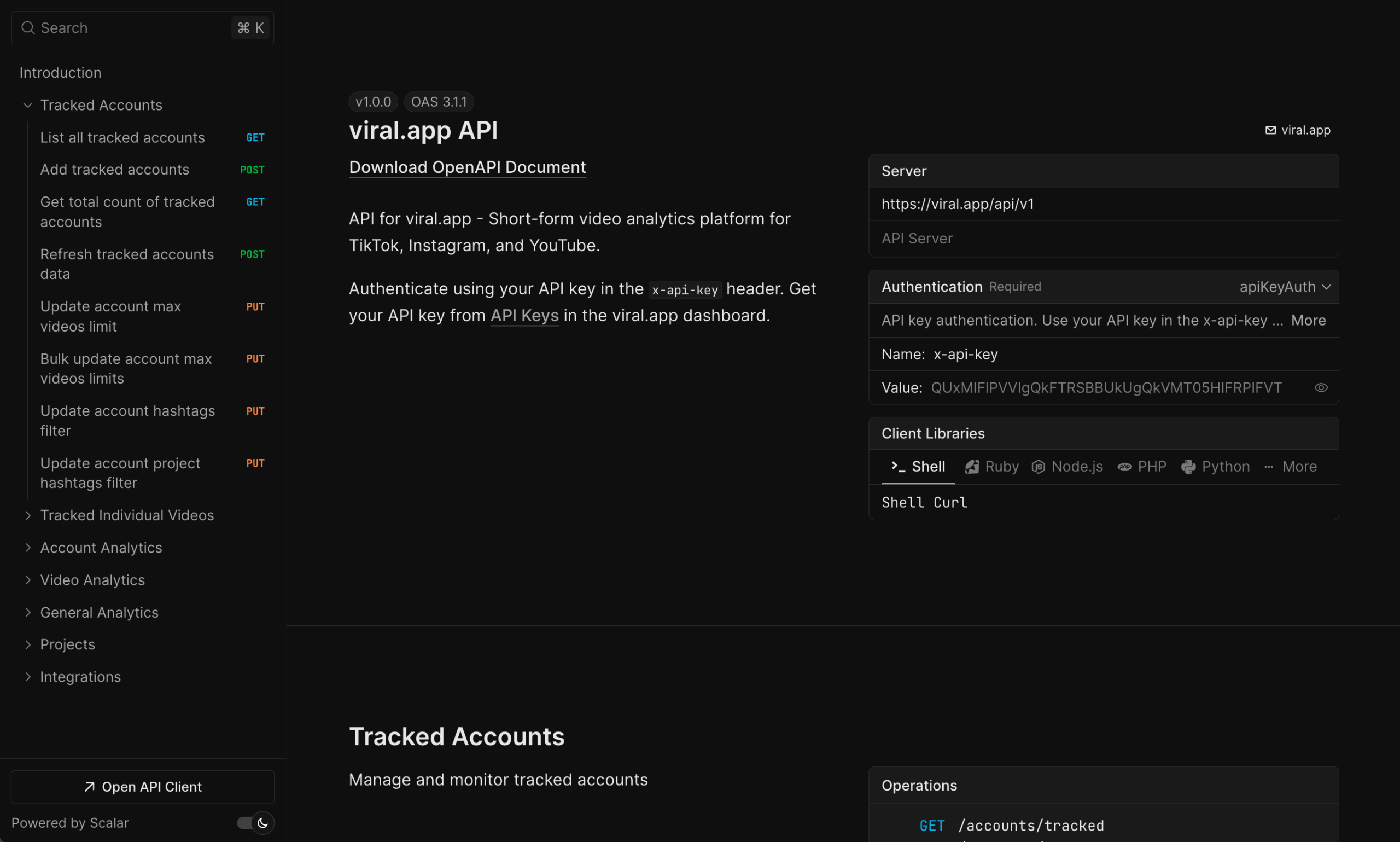
- open the interactive docs
- inspect the machine-readable OpenAPI spec
- make a first request with the
x-api-keyheader
The docs are useful because they are not just static reference pages. You can:
- test requests live in the browser
- inspect parameters and response shapes
- copy example requests in multiple languages
- move quickly from idea to working automation
That matters when you are wiring real workflows instead of reading docs for sport.
What you can build with the viral.app API
The practical answer is: a lot more than “custom dashboards.”
At a high level, the API gives you building blocks for:
- live search and enrichment across accounts, videos, and hashtags
- tracked account and tracked video management
- competitor segmentation inside your tracking system
- analytics and exports for accounts, videos, creators, projects, and payouts
- tracking status and operational visibility
- creator payout workflows, including calculation and initiation
Here is the real pattern:
That is why the best way to think about the viral.app API is not “another analytics API.” It is a creator-ops API.
Start with the interactive docs, not guesswork
The easiest first request is usually one of these:
- a live account lookup
- a live search call
- a tracked-account creation request
- a payout calculation request
Useful docs entry points include the operations for:
GET /live/{platform}/search/usersGET /live/{platform}/search/videosPOST /accounts/trackedGET /tracking/statusPOST /payouts/calculatePOST /payouts/initiate
The docs are especially useful when you are handing the API to:
- an internal developer
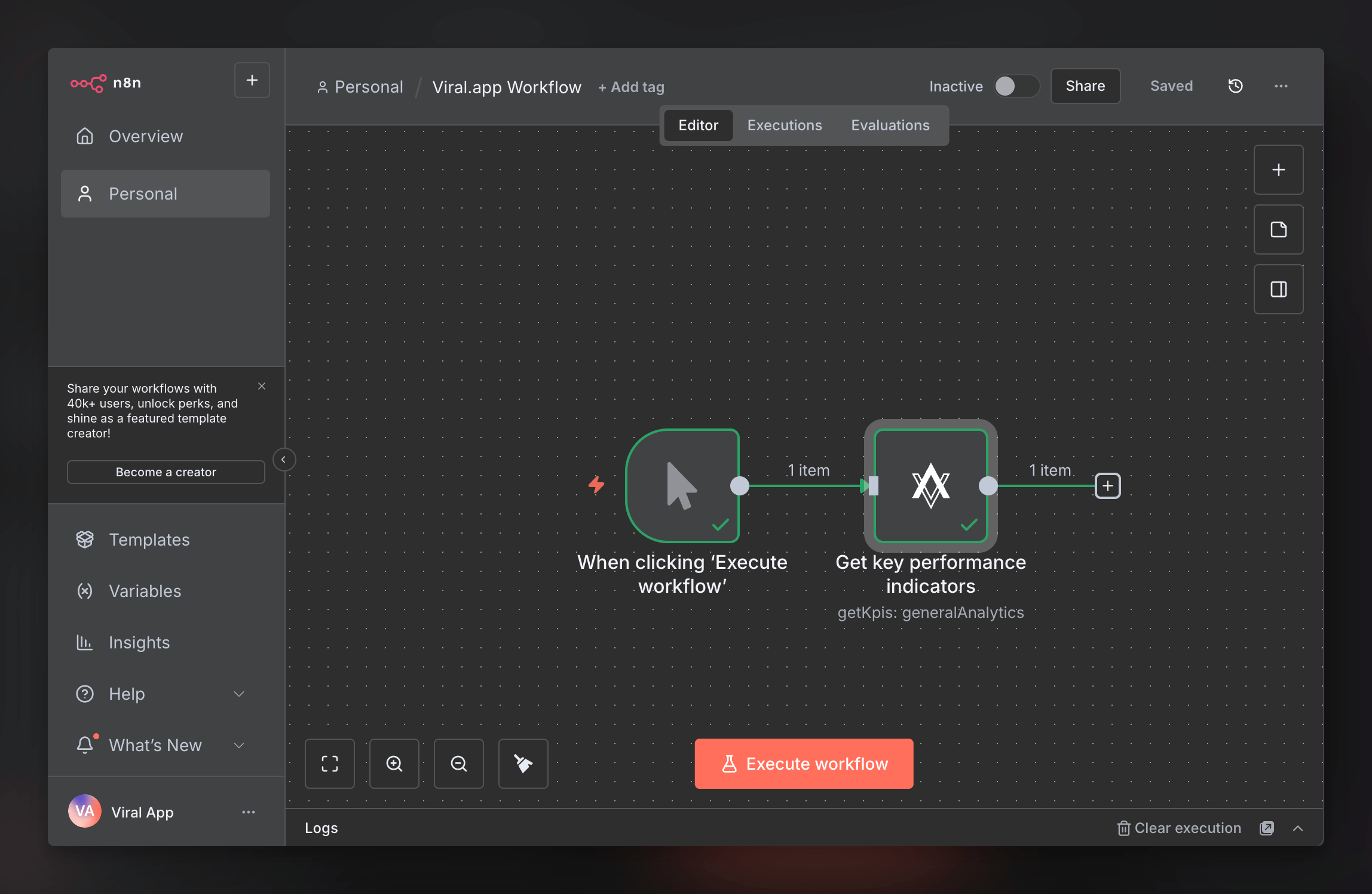
- a no-code operator using n8n
- an agency ops lead building reporting flows
- an AI agent that needs a grounded, inspectable interface
7 workflows teams actually automate
This is where the API gets interesting.
1) Auto-track accounts from forms, CRM flows, or community intake
A common pattern is:
- a prospect, creator, or client submits a form
- your system extracts usernames or account links
- you validate or enrich the account via live lookup/search
- you add the account directly into tracking
That usually means combining:
GET /live/{platform}/accounts/username/{username}GET /live/{platform}/search/usersPOST /accounts/tracked
This is one of the cleanest ways to remove manual onboarding work.
Instead of copying usernames from a Typeform, CRM note, or community intake message into the dashboard by hand, you can turn inbound submissions into tracked accounts automatically.
This is especially useful for:
- agency onboarding
- creator applications
- lead capture forms
- internal request forms from growth teams
2) Auto-track new competitors with live search
This is one of the most practical workflows in the whole API.
You can use live search to discover relevant accounts, then add them to tracking as competitors in the initial call so your internal analytics stay clean from day one.
The operational flow looks like this:
- search for accounts around a keyword, niche, or market
- add the relevant accounts to tracking with
isCompetitor: true - keep competitor reporting separate from internal reporting
Relevant operations:
The important detail is that you do not need a second bulk competitor step for the first setup if you already know the accounts should be tracked as competitors. The tracked-account create request supports isCompetitor, so you can set that immediately when you add them.
The competitor update endpoints are still useful later if you want to reclassify already-tracked accounts, but they are not required for the initial workflow.
This is where the API starts acting like infrastructure for competitive intelligence, not just reporting.
If you are already using the product-side Competitor Tracking feature, the API lets you operationalize that logic at scale.
3) Trigger vitality alerts and performance notifications
Most teams do not want to stare at dashboards all day. They want alerts when something important happens.
Good alerting workflows include:
- a video crosses a views / likes / engagement threshold
- an account suddenly spikes
- posting activity drops
- a sync run fails
- a campaign is outperforming or underperforming expectations
Useful operations here include:
GET /tracking/statusGET /videos/{platform}/{platformVideoId}GET /videos/{platform}/{platformVideoId}/historyGET /analytics/kpisGET /analytics/top-videos
This is the kind of workflow that fits naturally into:
- Slack alerts
- Discord notifications
- email digests
- internal ops dashboards
The best setups are not noisy. They are selective. They tell the team when attention is actually required.
4) Send custom reports to agency clients automatically
This is one of the clearest agency use cases.
Instead of assembling weekly reports manually, you can generate client-facing reporting flows that pull directly from viral.app and then:
- send PDFs or links by email
- populate Google Sheets or dashboards
- post summaries into Slack or WhatsApp
- generate client-specific snapshots on a schedule
Relevant operations include:
GET /accountsGET /videosGET /analytics/kpisPOST /accounts/exportPOST /videos/exportPOST /analytics/video-daily-gains/export
If you are already thinking in terms of social media campaign reporting, this is the obvious next step: make that reporting pipeline automatic.
5) Calculate and initiate payouts without spreadsheet handoffs
This is where the API clearly moves beyond “analytics API” territory.
If your creator program is performance-based, you can automate the payout workflow itself.
The API exposes operations for:
- seeing due payouts
- calculating payout details
- initiating payouts
- inspecting paid, upcoming, canceled, and reinstated payout windows
Relevant docs operations:
GET /payouts/duePOST /payouts/calculatePOST /payouts/initiateGET /payouts/paidGET /payouts/upcomingPOST /payouts/cancel
This matters because payout work is usually where creator programs become operationally messy.
The usual failure mode looks like this:
- data lives in one system
- payout logic lives in a spreadsheet
- approvals happen in chat
- payout initiation happens somewhere else entirely
When you connect analytics + creator tracking + payout initiation inside one programmable system, the whole workflow gets tighter.
That is a much stronger story than “you can export metrics.”
6) Build dynamic tracking workflows around campaigns and launches
Another strong use case is dynamic tracking.
Examples:
- a campaign launches, so a new account set is added automatically
- a creator is approved, so their account gets tracked immediately
- a video URL gets captured in a workflow, so the video is added to tracked videos
- a refresh is triggered after a launch, campaign update, or import
Operations you will likely use:
POST /accounts/trackedPOST /accounts/tracked/refreshPOST /videos/trackedPOST /videos/tracked/refresh
For teams running multiple creators, markets, or clients, this is where the API starts saving real headcount time.
7) Let AI agents use viral.app as an operational system
This is one of the most under-marketed parts of the platform.
The more accurate story here is:
- viral.app exposes strong interactive docs for humans
- a machine-readable OpenAPI spec for tool generation
- a viral.app agent skill plus CLI flow for supported coding and workflow agents
That makes the platform increasingly usable by:
- internal AI agents
- workflow agents
- reporting agents
- monitoring agents
- research agents
The practical stack now looks like this:
- interactive docs for human exploration
- OpenAPI spec for machine-readable schemas and tool generation
- viral.app agent skill for agent-native usage
- CLI setup flow for supported agent environments
The skill can be used with:
- Claude Code
- Claude Co Work
- Codex
- Open Claw
- Hermes
- and other supported skill-based agents
Start here:
What the skill comes with, in brief:
- direct access to tracked analytics
- Viral Video Library research
- account discovery workflows
- creator payout reporting
- built-in prompt examples to get started quickly
That combination is powerful because it lets a team move across three modes:
- a human tests the operation in Scalar
- the developer or no-code operator wires it into automation
- an AI agent later runs the same workflow through the skill/CLI setup with stronger context and less manual glue
In practice, this means you can build agents that:
- watch tracking health
- summarize weekly account or video movement
- pull client-ready KPI snapshots
- flag competitor spikes
- identify payout windows due for action
Why this is more than a social media analytics API
There are many APIs that let you fetch metrics.
What makes viral.app more interesting is the combination of surfaces in one system:
- live search
- tracked account and video operations
- competitor segmentation
- analytics and exports
- creator-hub and payout workflows
- the public API includes live search, tracked account and video operations, analytics and exports, payout workflows, and skill/CLI-based agent interfaces
That is a different category story.
The stronger framing is:
viral.app is the programmable operating layer for short-form creator programs.
That is why the API belongs next to:
- social media analytics API guide
- Competitor Tracking
- How to Build a TikTok Creator Network
- Social Media Campaign Reporting
Not because those are adjacent topics, but because they are parts of the same operating system.
n8n still matters
If your team is not building everything from scratch, the no-code path is still a big advantage.
The prebuilt n8n node makes it easier to turn these operations into actual workflows quickly.
That is especially helpful for teams who want to automate:
- lead intake to tracking
- alert routing
- scheduled report generation
- campaign refresh workflows
- payout handoff logic
without waiting for a full engineering sprint.
Example workflows to copy
Here are five strong starter automations:
Form submission → tracked account
- capture username from a form
- validate with live lookup
- add with
POST /accounts/tracked - notify the team in Slack or Discord
Competitor search → competitor monitoring set
- search accounts with
GET /live/{platform}/search/users - add relevant accounts with
isCompetitor: trueviaPOST /accounts/tracked - start a weekly competitor summary immediately without a second classification step
Video spike → alert channel
- poll or evaluate video history
- detect threshold crossing
- push an alert into Slack/Discord/email
- include direct links and current metrics
Weekly client reporting
- query KPI + top-video data
- export CSV where needed
- transform into client-specific formatting
- send automatically every Monday
Due payout → calculate → initiate
- list due payouts
- calculate payout details
- review or auto-approve depending on workflow
- initiate payout with
POST /payouts/initiate
A better way to think about the docs
The docs are not just reference. They are the fastest way to model your workflow.
When you open viral.app/api/v1/docs, look at the API in layers:
- live for lookup and search
- tracked for system setup and refresh
- analytics for reporting
- payouts for financial workflow automation
If you do that, the API stops looking like a long endpoint list and starts looking like an operational toolkit.
Announcement
FAQ
Start building
If you want to automate short-form creator ops properly, start here:
- get your key in API Keys
- explore the interactive docs
- inspect the OpenAPI spec
- install the viral.app agent skill
Then pick one workflow that currently wastes the most time:
- account intake
- competitor monitoring
- client reporting
- vitality alerts
- payout initiation
Build that first.
That is usually enough to make the value of the API obvious.
Interested in access or higher-volume workflows? Contact us to get started →
Have questions? Reach out to us at support@viral.app