| Tab | Status | Meaning |
|---|---|---|
| Upcoming | Upcoming | The period is still running. The amount is a live estimate. |
| Upcoming | Due | The period ended and the brand is settling it |
| Claimable | Ready to claim | Approved. Claim it. |
| Claimable | Claim requested | You started a claim. You can open a fresh claim link if you need to. |
| Received | Paid out | Done. Talentir sent the money. |
| Received | Paid manually | The brand paid you directly, outside viral.app |
| Received | Canceled | The payout was canceled before you claimed it |
| Received | Expired | It wasn't claimed in time. Ask the brand to reissue it. |
Creator payouts: claiming, methods, fees, and timing
Follow a payout from your running period to your bank account, claim it, and pick the payout method that costs you the least.
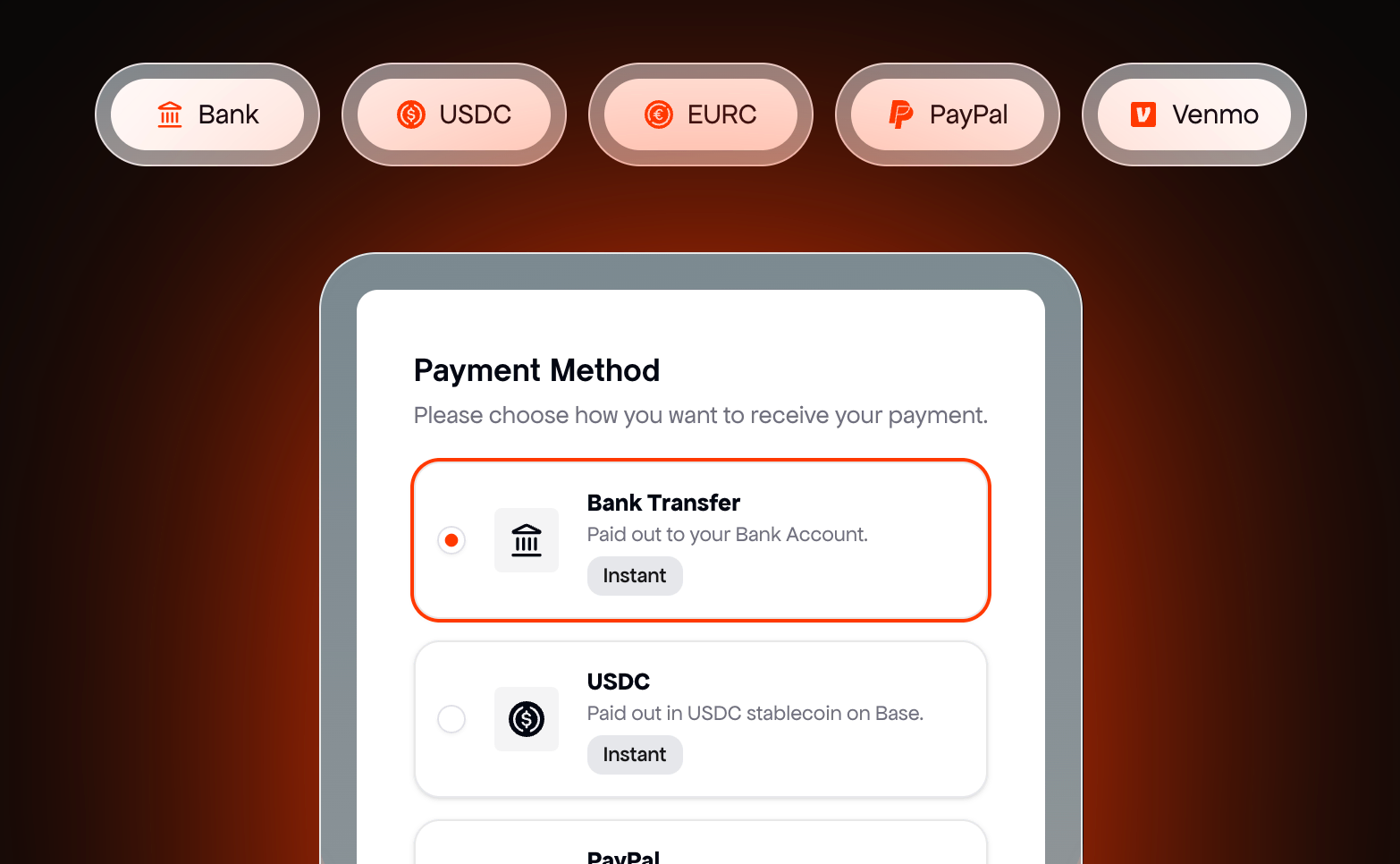
When a payout period ends, the brand reviews what you earned and approves the payout. You get an email, claim it through Talentir, viral.app's payout provider, and choose how you want the money: bank transfer, PayPal, Venmo, or a stablecoin. viral.app takes no cut.
Got a payout email?
The email names the brand, the amount, and what it's made of. Click Claim Payout.
- You have a viral.app account: the button opens your Payouts page, where you claim it.
- You don't: the button opens Talentir's claim page directly. You don't need an account first; you sign in there with your email and set up your payout details once.
Don't recognize the brand? Don't click the link. Write to support@viral.app first.
From earnings to payout
- The period runs. Your payout shows as
Upcoming, and the amount grows as your videos count. - The period ends. The payout turns
Duewhile the brand checks it and issues it. - The brand approves it. It moves to Claimable as
Ready to claim, and you get the email and a note in chat. - You claim it. Talentir sends the money and the payout moves to Received as
Paid out.
Your Payouts page
Payouts has three tabs:
Received is your payout history, so it also lists canceled and expired payouts. Tags like Partial payment, Joined mid-period, or a video count tell you what kind of payout a row is.
See how a payout was calculated
- Preview Breakdown on an upcoming payout shows a live projection. It isn't final, and data can run up to a day behind.
- Show Breakdown on an issued payout shows the exact calculation recorded when the brand issued it.
Once Talentir has issued an invoice, Open Invoice is in the row menu. How each rule works is on How campaign pay works.
Claim a payout
Click Claim Payout on a row, Claim Now on Home, or Claim all next to the tabs to claim everything at once. Talentir's claim page opens in a new window. Pick a payout method, enter your details, and confirm. If your browser blocks the window, viral.app shows a button to open it.
Depending on the method, Talentir may ask you to verify your identity once. Your next payouts go to the same method. Double-check bank, wallet, PayPal, and Venmo details before you confirm: wrong details delay the payout.
Before your first payout, the Claimable tab says All set up! There's nothing to enter in viral.app; you add your payout method on your first claim.
Payout methods, currencies, and fees
viral.app takes no cut of your earnings: the brand pays the payout handling fee. Depending on the method you choose, Talentir deducts a payout method fee from the transfer. The claim page shows the fee and the amount you will receive before you confirm.
These are Talentir's fees as of September 2026. The current version is always in Talentir's creator payout fee schedule. Talentir enables some currencies only on request, so the claim page shows the methods and currencies available to you.
Currency conversion
A payout is issued in the campaign's currency: USD, EUR, CHF, or GBP. If you receive it in the same currency, nothing is converted. If you receive it in a different currency, Talentir converts it at its exchange rate for that currency pair at the time of the payout. The rate is based on the live market rate and can differ slightly from it. The claim page shows the rate and the converted amount before you confirm.
Campaigns in other currencies, such as JPY or KRW, can't be paid through Talentir. Those brands pay you directly.
Countries
Talentir pays creators in more than 180 countries. Which methods you can use depends on your country and your bank, and the claim page only offers methods that work for you.
If a transfer fails
If a transfer fails, the payout goes back to your balance and you can claim it again, with corrected details or a different method. Common causes are a typo in the IBAN or account number, a name that doesn't match your payout profile (often a missing middle name), a PayPal account that isn't verified, or a wrong wallet address.
Get help with a claim
For questions about the claim page, your payout details, or a transfer, use the support chat on the claim page. It goes straight to Talentir's payout support. For questions about the amount or the campaign, ask the brand in Chat.
Paid outside viral.app
Only brands that invited you can pay you outside viral.app. If you applied through the marketplace, the brand pays through Talentir. A brand that pays you directly records it, you get an email that it sent you a payout, and the payout shows as Paid manually. The money didn't go through viral.app, so if it hasn't arrived, ask the brand.
Brands can also pay part of a running period early (Partial payment), pay for specific videos, or send a one-off payout. Each shows up as its own row.
Common questions
How long does a payout take?
The clock starts when you claim the payout. Typical transfer times, as Talentir publishes them:
- USDC or EURC: seconds to a few minutes, on any day.
- PayPal and Venmo: usually within the hour.
- Bank transfer in Europe (SEPA) or in the UK: 1 to 2 business days.
- US bank transfer (ACH): 1 to 3 business days.
- International bank transfer (SWIFT): up to 3 to 5 business days.
Bank transfers only move on business days, so a claim on a Friday or before a public holiday arrives after the weekend or the holiday. If your money is late, use the support chat on the claim page.
My payout has been Due for a while
The brand still has to settle it. Ask the brand in chat. If its payouts are overdue for long, viral.app also reminds the brand and can pause its hiring until it pays.
I lost the email or the claim link stopped working
Claim from Payouts in viral.app; each claim there opens a fresh link. No account? Ask the brand to resend the email or share a new claim link. If the payout has expired, the brand reissues it, and you get a new link once it's approved.
Do I have to send an invoice?
No. Talentir issues an invoice in your name for every payout (self-billing), and the brand gets a copy. Some brands let you upload your own invoice instead while you claim.
What about taxes?
You are responsible for declaring your income and paying your own taxes where you live. If you live in the EU, you may be asked for your tax ID before you can claim, because payouts can be reported to the tax authorities under DAC7. What DAC7 means for creator payouts explains it.
Can I change my payout method?
Before you confirm a claim, you can pick any method the claim page offers. After you have confirmed it, update your details on the claim page and ask Talentir's support in the chat to send the payout again. Later payouts use the method you chose.
How much do UGC jobs pay?
It depends on the job. Brands pay per video, per month, per 1,000 views, or a mix of these, and each job on the UGC job board shows its pay before you apply. UGC creator rates shows the typical pay across all open jobs.