Got a job offer instead?
An email saying a brand "invited you to apply" is a job offer from the marketplace, not an invitation to join. Answer it from Job Offers.
Accept a brand's email invitation or invite link, finish four short setup steps, and start working with that brand.
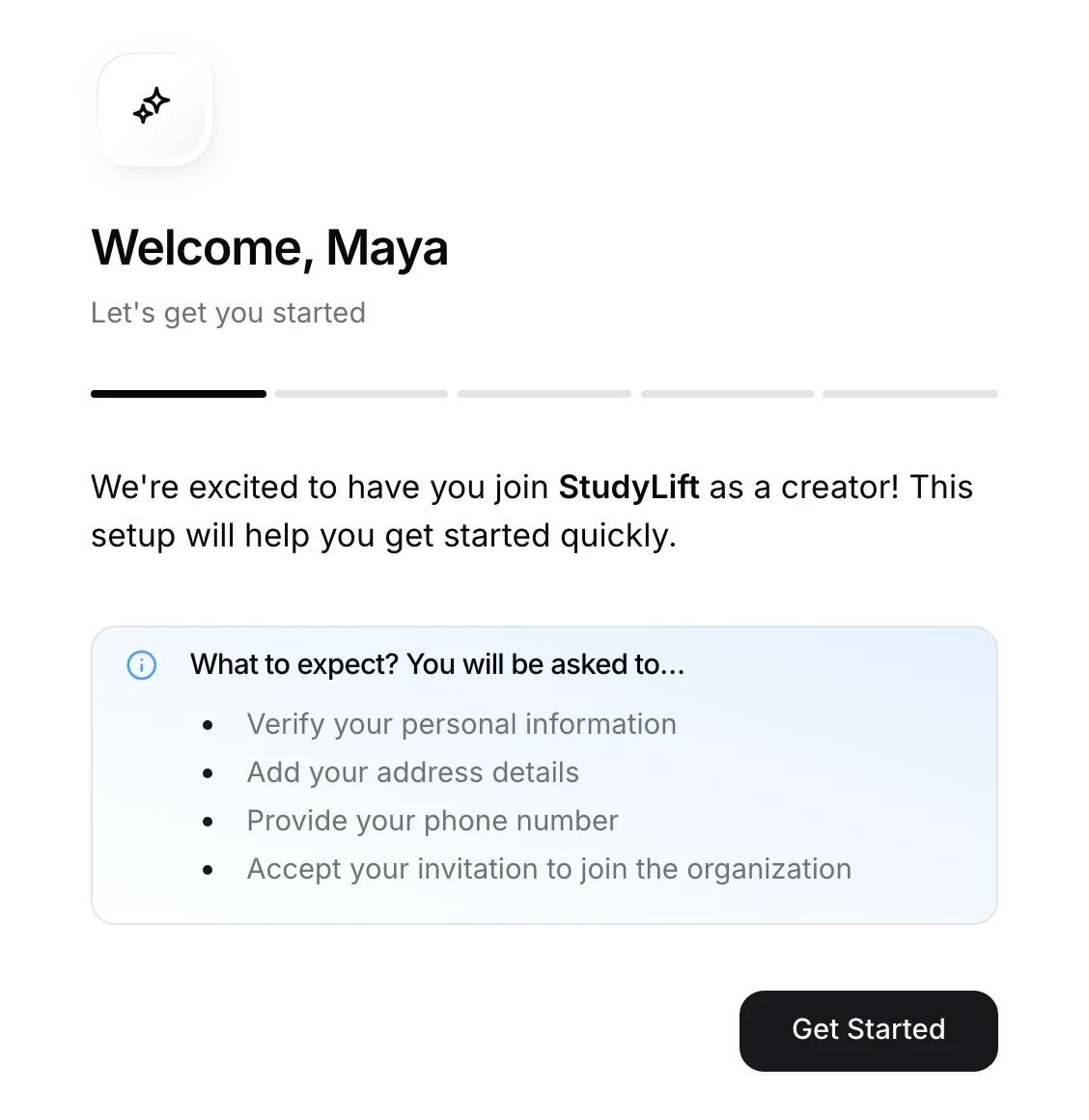
A brand that already works with you can add you to viral.app with an email invitation or an invite link. You set up your account in four short steps and land on that brand's dashboard, with its brief, chat, and payouts.
Click the button in the invitation email. Sign in with the same email address the invitation was sent to, or you'll see Invitation Mismatch. Invitations expire after 7 days; if yours has, ask the brand to send a new one.
The setup asks for:
An invite link (viral.app/join/…) opens a Join page for the brand. Choose Create account or I already have an account, then go through the same steps.
The last step is Request to join, with an optional note to introduce yourself. The brand reviews your request and you get an email when it decides. Until then, Home shows your pending request. A request nobody answers is cancelled after 30 days.
Some links are made for one person. Those skip the request and add you right away.
The brand appears under Active Brands in the sidebar. Before your videos count toward pay, the brand still has to assign you to a campaign and choose which of your accounts to track. Until then, its dashboard shows what you're waiting on and a Message Brand button. See Your brand dashboard.
As an invited creator you don't get the job marketplace while you work with the brand. Already a marketplace creator? You keep the marketplace after you join. You can work with several brands; each one gets its own dashboard.
You're signed in with a different email than the one invited. Sign out and sign in with the invited address, or ask the brand to invite the email you use.
The link no longer works. Ask the brand for a new invitation or link.
The email belongs to a brand team account, and one email can't be both. Join with a different email address, or switch the account to a creator account if you don't need the brand side.
The brand decided not to move forward for now. You can request again if it shares a new invite link.
Not while you work with a brand that invited you. Once no brand has you as an active creator, for example after a brand ends your work or declines your request, the marketplace usually opens on its own.