| Status | What it means |
|---|---|
Open | Sent. The brand hasn't acted on it yet. |
In Review | The brand is considering you |
Answered | You applied through a job offer and wait for the brand |
Accepted | You're hired. The brand appears under Active Brands. |
Rejected | The brand decided not to move forward |
Withdrawn | You took the application back |
Auto-closed | No decision within 14 days |
Not interested | You turned down a job offer |
Invite withdrawn | The brand took its job offer back |
Expired | You didn't answer a job offer within 14 days |
Jobs
Apply to jobs and track applications
Send a strong application, answer job offers from brands, and follow each application until a brand decides.
Click Apply on a job, add the videos the brand asks for and a short note, and slide to send. The brand sees your profile and portfolio with it, and you can follow every application under Applications.
Send an application
- Open the job and click Apply.
- If your address or phone number is missing, add it first. Brands only see them after they accept you.
- If the job has an Application challenge, read it and add links to the videos you made for it, up to five. Each link is checked, so make sure they're public.
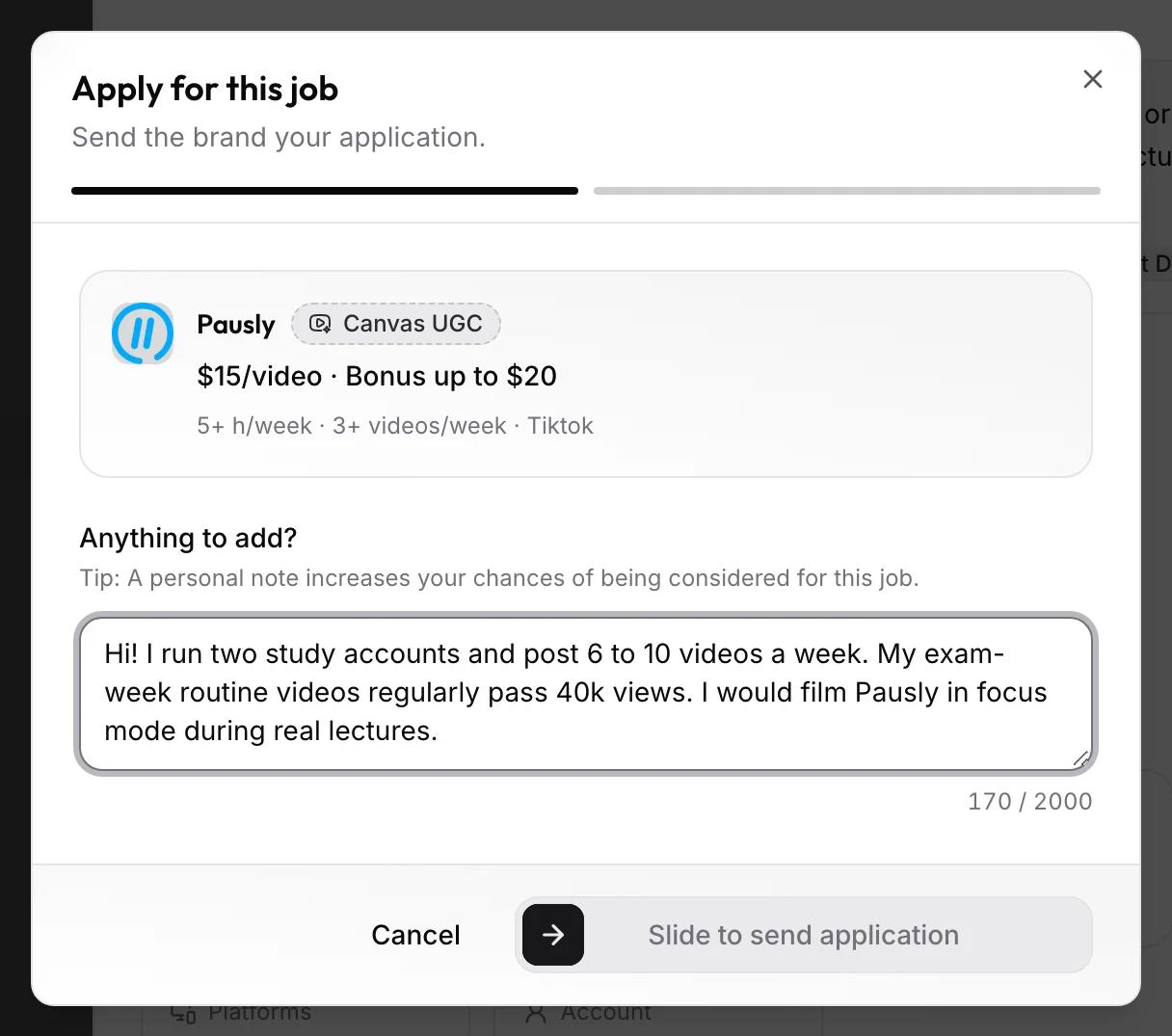
- Under Anything to add?, write a note to the brand.
- Slide Slide to send application.
You can send up to 10 applications in 24 hours. Answering a job offer doesn't count toward that.
Applying doesn't open a chat. The conversation starts when the brand writes to you, and you get notified when it does.
How to get hired
- Feature work that looks like the job. Two or three videos in the same niche and format beat ten unrelated ones. See your profile.
- Apply where you can deliver. Check the hours, videos per week, and account type. Missing a weekly target hurts more than skipping a job.
- Take the challenge seriously. Follow its brief, hook in the first two seconds, and show the product. Briefs and hooks covers how.
- Write a real note. Say which accounts you'd post from, what your videos usually get, and one idea for this product. Skip "I'd love to work with you."
- Answer fast. When a brand writes, reply the same day. Turn on chat notifications so you see it.
Track your applications
Applications has an Open and a Closed tab. Each row shows the job, when you applied, when it expires, its status, and a link to the chat once there is one.
An application closes on its own 14 days after its last status change if the brand hasn't decided. The Expiration column shows the date. A brand moving it to In Review restarts the 14 days.
To take an application back, choose Withdraw application in the row menu. The brand gets a note that you stepped back. You can apply to the same job again later; only an accepted or rejected application closes the job for you.
Job offers
A brand with an open job can invite you to apply when your profile matches. You get an email ("A brand looking for creators invited you to apply…"), a push notification, and Job Offers shows up in the sidebar with a count.
Each offer shows the job and the brand's message to you. Then:
- Apply now opens the normal application. It doesn't count toward the daily limit, and it opens a chat with the brand.
- Not interested turns it down. The brand gets no message, and you can still apply to the job yourself later.
An offer you don't answer expires after 14 days.
When a brand accepts you
You get an email naming the brand, and the brand appears under Active Brands. Before your videos count, the brand assigns you to a campaign and picks which of your accounts to track. Next: Your brand dashboard.
Common questions
Can I message a brand before it replies?
No. Chat opens once the brand writes to you, or when you answer its job offer.
Why was my application closed without an answer?
The brand didn't decide within 14 days. You can apply again if the job is still open.