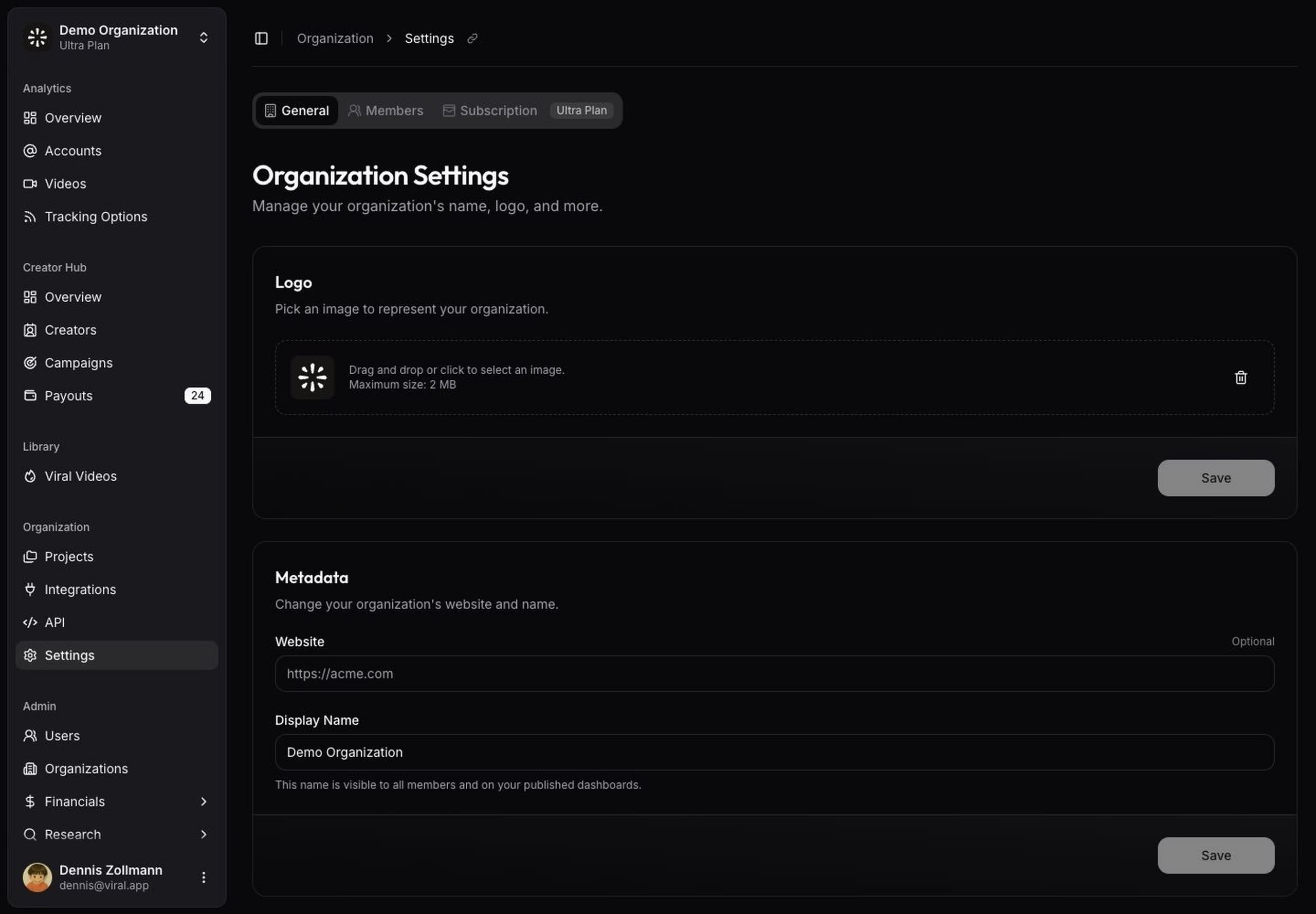
Organization settings
Manage organization settings, team access, projects, and the payout provider that supports your brand workflows.
Your workspace contains the organization settings, team members, projects, and integrations that support tracking, analytics, Creator Hub, and payouts.
Use the Organization section of the app when you need to manage shared settings for your team.
Update organization settings
Open Organization Settings to update the organization name, logo, and metadata.
Keep the workspace name recognizable for teammates, agencies, and operators who manage multiple brands.
Manage members
Open Members to invite teammates and review workspace access.
Invite the people who manage tracking, analytics, creator relationships, campaign setup, finance review, or API integrations. Remove access when someone no longer needs the workspace.
Review the audit log
Audit log records every change made in your workspace through the app or the API: who did it, what changed, and when. Use it to trace a canceled payout, a removed account, or a changed campaign rule back to a person or an API key. Entries are kept for 365 days.
Use projects
Open Projects to group tracking and analytics around a product, launch, market, or reporting goal.
Projects help keep analytics organized when your team tracks many accounts and videos. Use clear project names, such as a product name or launch name, so reports stay easy to understand. To move project labels into tags, see Migration from projects.
Connect integrations
Open Integrations to connect the tools around your creator program: RevenueCat or Superwall for app revenue, TikTok Spark Ads for paid versus organic views, and the payout provider for creator payouts. The Integrations overview explains what each one adds and how to set it up.
Set up payout integrations
Open Payout integrations before you initiate Creator Hub payouts.
Click Connect with Talentir to link your workspace: sign in or create your Talentir team, complete the hosted business verification (KYB), and optionally set a daily payout allowance so approved payouts execute automatically. The integration page shows your verification status, wallet balance, and deposit details once connected.
Set this up before your first due payout so finance review is not blocked later. The Talentir page covers the wallet, the daily allowance, approvals, and what creators see.
Review subscription settings
Open Subscription to review your plan, included usage, billed extra usage, and billing actions.
Use the subscription page when your team needs to understand plan limits, refresh capabilities, API access, or upgrade options.