| Method | You receive | Fee |
|---|---|---|
| Bank transfer to an IBAN, e.g. SEPA | EUR, CHF, or GBP | Free |
| US bank transfer (ACH) | USD | Free |
| UK local bank transfer (sort code and account number) | GBP | Free |
| Bank transfer to an IBAN in another currency | USD, CAD, CZK, or AUD | The equivalent of EUR 5 per transfer |
| International bank transfer (SWIFT) | EUR, USD, CHF, GBP, CAD, CZK, AUD, JPY, KRW, SGD, or HKD | The equivalent of EUR 5 per transfer |
| US wire transfer | USD | The equivalent of EUR 5 per transfer |
| PayPal | EUR | 2.5% |
| Venmo | USD | 3.5% |
| USDC, EURC, ZCHF, or tGBP on Base | USD, EUR, CHF, or GBP, paid at par | Free |
| Other crypto or stablecoins | Supported assets and networks | No method fee; converted at the exchange rate shown |
Claim your creator payouts
Claim an approved creator payout from the email link and choose the payout method that works for you.
When a payout is approved, viral.app sends you an email with the approved amount and a claim link. Use that link to claim the payout and choose how you want to receive the money.
1. Open the payout email
The payout email shows the brand, the approved amount, and the payout details. Click Claim Payout to start the claim flow.
If you were not expecting the email, do not click the claim link. Contact viral.app support from the email footer first.
2. Choose a payout method
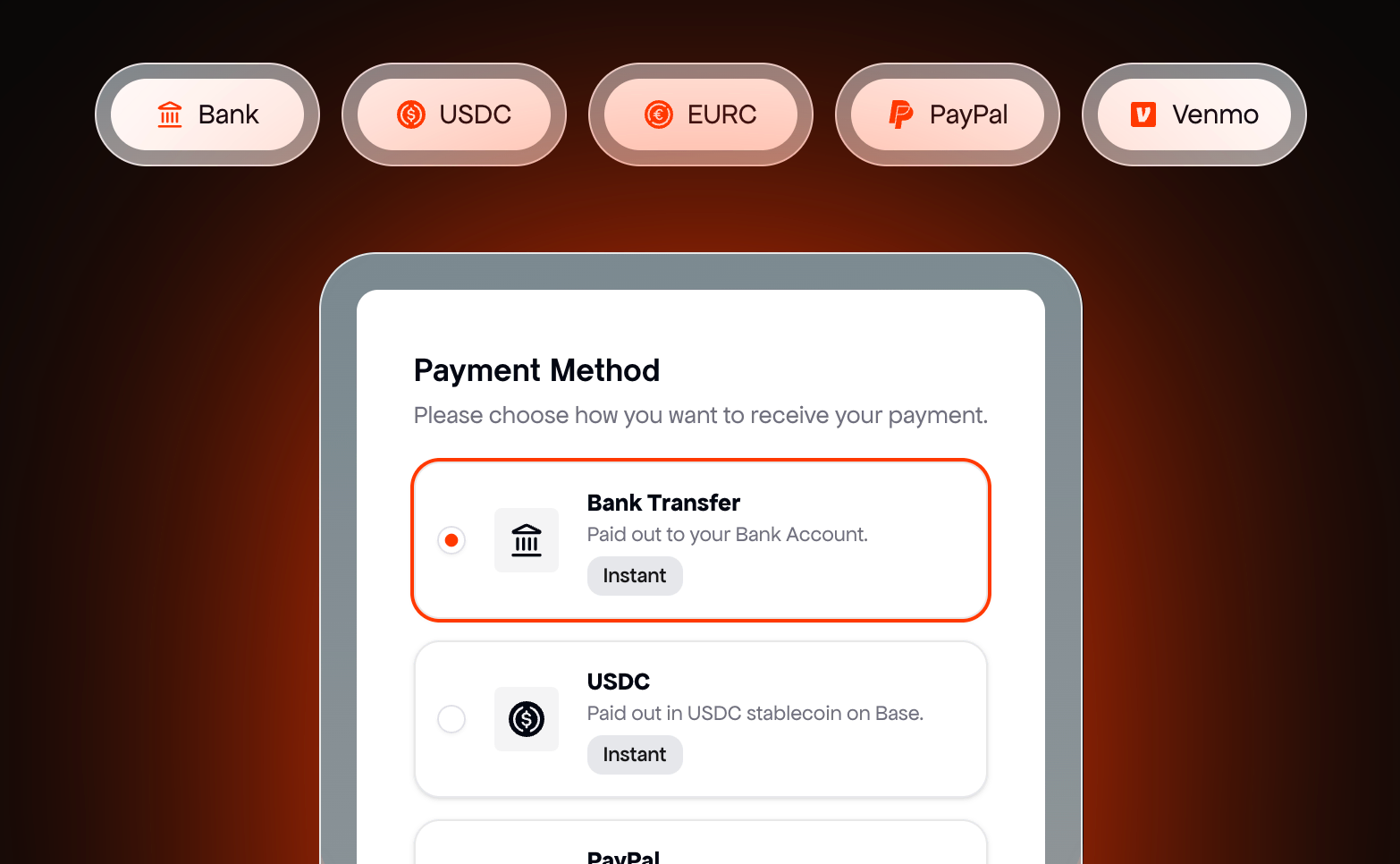
The claim link opens a secure payout page. This step is processed through Talentir, the payout provider viral.app uses for creator payments. Choose your preferred payout method and follow the instructions on the page.
Available methods can depend on the payout setup, country, and currency, but the claiming page can support:
- Bank transfer
- USDC
- EURC
- PayPal
- Venmo
What each method costs and which currencies it pays out in is listed under Payout methods, currencies, and fees.
3. Submit the claim
After choosing a method, enter the required payout details and submit the claim. Review the information carefully before confirming it. Incorrect bank, wallet, PayPal, or Venmo details can delay a payout or require support to fix.
Keep the payout email until the money arrives. It is the easiest reference if you need to ask support about the amount, the brand, or the claim link.
Payout methods, currencies, and fees
viral.app takes no cut of your earnings: the brand pays the payout handling fee. Depending on the method you choose, Talentir deducts a payout method fee from the transfer. The claim page shows the fee and the amount you will receive before you confirm.
These are Talentir's fees as of September 2026. The current version is always in Talentir's creator payout fee schedule. Talentir enables some currencies only on request, so the claim page shows the methods and currencies available to you.
Currency conversion
A payout is issued in the campaign's currency: USD, EUR, CHF, or GBP. If you receive it in the same currency, nothing is converted. If you receive it in a different currency, Talentir converts it at its exchange rate for that currency pair at the time of the payout. The rate is based on the live market rate and can differ slightly from it. The claim page shows the rate and the converted amount before you confirm.
Countries
Talentir pays creators in more than 180 countries. Which methods you can use depends on your country and your bank, and the claim page only offers methods that work for you.
Identity check
Depending on the method you choose, Talentir can ask you to verify your identity before your first payout. You only do this once; later payouts are claimed the same way.
If a transfer fails
If a transfer fails, the payout goes back to your balance and you can claim it again, with corrected details or a different method. Common causes are a typo in the IBAN or account number, a name that doesn't match your payout profile (often a missing middle name), a PayPal account that isn't verified, or a wrong wallet address.
Get help with a claim
For questions about the claim page, your payout details, or a transfer, use the support chat on the claim page. It goes straight to Talentir's payout support. For questions about the amount or the campaign, contact the brand or viral.app support.
Common questions
How long does a payout take?
The clock starts when you claim the payout. Typical transfer times, as Talentir publishes them:
- USDC or EURC: seconds to a few minutes, on any day.
- PayPal and Venmo: usually within the hour.
- Bank transfer in Europe (SEPA) or in the UK: 1 to 2 business days.
- US bank transfer (ACH): 1 to 3 business days.
- International bank transfer (SWIFT): up to 3 to 5 business days.
Bank transfers only move on business days, so a claim on a Friday or before a public holiday arrives after the weekend or the holiday. If your money is late, use the support chat on the claim page.
Do I need an account to claim?
You don't need a viral.app or Talentir account beforehand. On the claim page you sign in with your email address and set up your payout details once. If you work with brands through viral.app, your creator workspace also lists every payout.
Do I have to send an invoice?
No. Talentir issues an invoice in your name for every payout (self-billing), and the brand gets a copy. Some brands let you upload your own invoice instead while you claim.
What about taxes?
You are responsible for declaring your income and paying your own taxes where you live. If you live in the EU, you may be asked for your tax ID before you can claim, because payouts can be reported to the tax authorities under DAC7, the EU rules on income earned through online platforms.
Can I change my payout method?
Before you confirm a claim, you can pick any method the claim page offers. After you have confirmed it, update your details on the claim page and ask Talentir's support in the chat to send the payout again. Later payouts use the method you chose.
Lost the email?
You can also see your payouts inside viral.app: open Payouts in your creator workspace to check each payout's status and claim directly with Claim now. If a claim link stopped working, ask the brand. While the payout waits to be claimed, they can re-send the email or share a fresh claim link. If the payout has expired, they reissue it, and you get a new claim link once they approve it.