Why Canvas UGC is the new organic acquisition channel for apps?
Why Canvas UGC helps app teams test creator-led short-form content, build native social channels, and drive installs without relying only on paid media.
Written by
PublishedJune 24th, 2026
UpdatedAugust 13th, 2026
Why Canvas UGC works for app acquisition
App growth has become more difficult in the last few years. Paid ads cost more, attention is harder to win, and many users scroll past brand content without stopping.
In that environment, Canvas UGC has begun to stand out as one of the most effective ways for apps to gain reach, attention, and installs without relying entirely on paid media.
Short answer
Canvas UGC works for app acquisition because it turns a brand-owned social account into a repeatable testing channel: creators publish native short-form posts, the team studies which hooks drive attention, and the best formats can keep bringing in organic traffic.
This type of UGC gives apps a way to post content that feels natural, personal, and native to the platform. It is the kind of content that can look like a regular creator video at first glance, even when the goal is to drive downloads or sign-ups.
That is a big reason it has become such a strong acquisition channel for apps that need constant testing and steady traffic.
What is Canvas UGC?
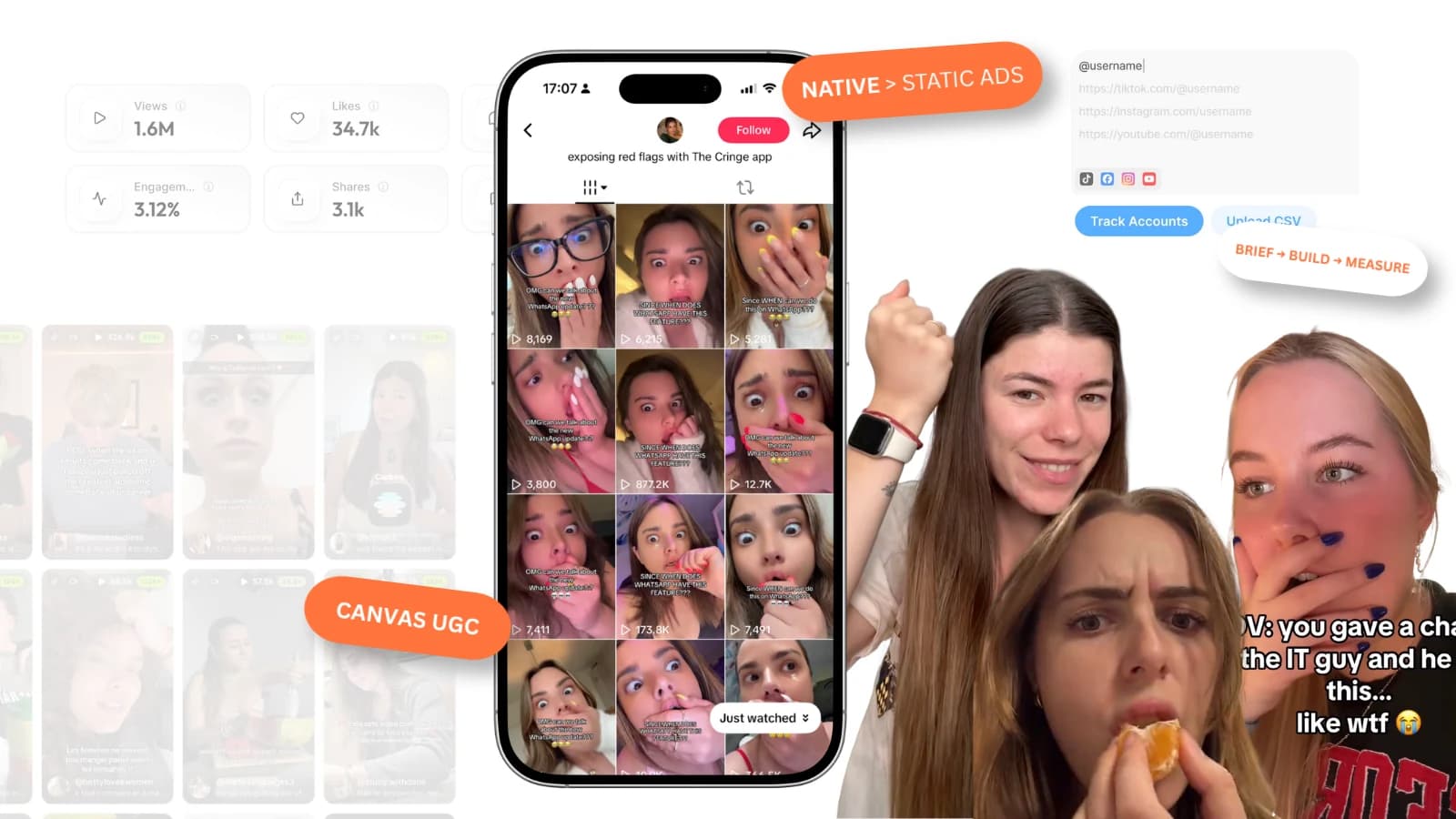
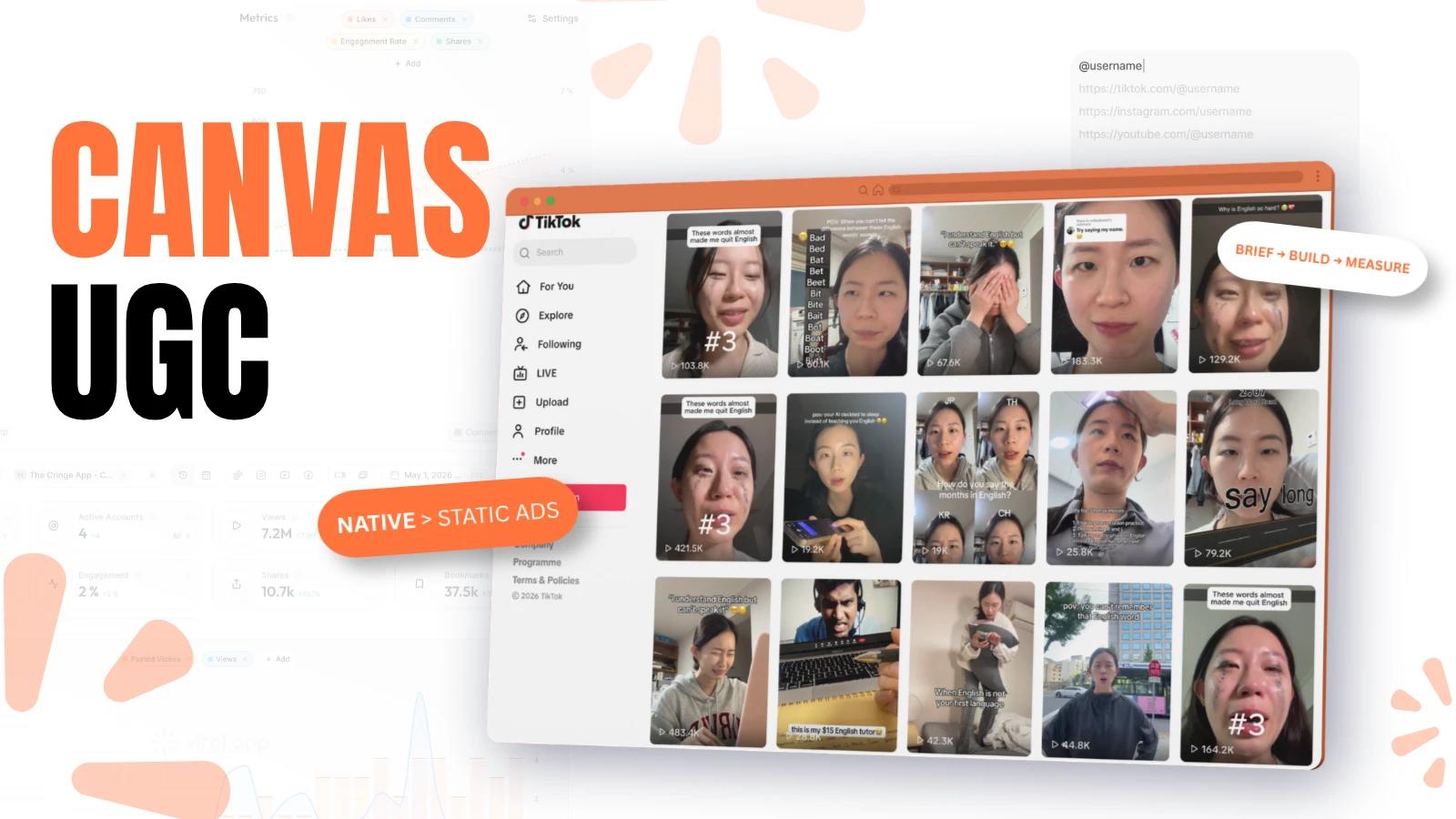
Canvas UGC is a content model in which creators produce and post videos to a brand-owned account, usually on TikTok or a similar short-form platform. Instead of sending the video to the brand for later use, the creator publishes it directly on the brand’s account.
The account often looks like a normal niche page, which helps the content feel more natural and less polished. For a fuller breakdown of the format, read our article on Canvas UGC.
The model is built for speed and consistency. Brands can work with several creators at once, test many hooks, and keep posting without every video needing to look like a studio production. That is one reason it has become so useful for apps, especially those that need a steady stream of content to fuel growth.
The main difference between Canvas UGC and traditional UGC is where the content lives and what the brand wants from it. Traditional UGC is often delivered as an asset for ads, websites, or email. Canvas UGC is meant to be published directly, with the account itself acting as the growth channel.
Why apps fit this model so well
Apps are a strong fit for Canvas UGC because they typically require three things at once:
fast content,
clear storytelling,
and repeatable testing.
Many apps have a simple value proposition, but they still need many different ways to explain it.
One creator may talk about a pain point, another may show a before-and-after result, and a third may lead with a strong opinion or a relatable mistake.
That matters because people do not all respond to the same angle. Some users click when they see a problem they already feel. Others stop when the content shows a useful result.
Some only engage when the creator sounds casual and unscripted. Canvas UGC lets teams test those angles without turning every idea into a full campaign.
Apps also benefit from short-form platforms that reward consistent posting. A single account can publish many videos, and each post becomes another chance to find a format that lands.
That makes Canvas UGC useful not only for installs, but also for building a recognizable content engine around the app.
How it differs from traditional UGC
Traditional UGC and Canvas UGC may look similar on the surface, but their workflows differ.
Traditional UGC usually works like this:
A brand briefs a creator.
The creator films and edits one or more videos.
The brand receives the files.
The brand uses the content in paid ads or on its website.
Canvas UGC works differently:
The brand gives the creator access to a posting account or creates a dedicated account for the campaign.
The creator films, edits, and publishes the content directly.
The content is meant to behave like organic social content.
The brand watches performance across many posts and adjusts what it wants to keep producing.
That difference matters because the output is not just a video asset, but a living content channel. The brand is not only buying creativity, but is also building a repeatable system for discovery, trust, and traffic.
Why Canvas UGC feels native
The best Canvas UGC does not look like an ad trying to act casual. It looks like someone is sharing something useful, funny, surprising, or relatable. That is a major part of why it performs well.
People stop scrolling when the content feels familiar enough to trust and specific enough to matter. A creator talking about a personal problem, a small win, or a frustrating routine often feels more believable than a polished brand message.
Apps can use that to their advantage by shaping content around real-life moments instead of product descriptions.
A strong Canvas UGC post usually does three things:
It opens with a real situation.
It shows the app as part of the solution.
It keeps the tone close to how a real person would speak.
That style works especially well on TikTok and Instagram Reels, where users are already used to fast, casual, personality-led content.
How apps can set it up
A good Canvas UGC system starts with a simple decision: which account will host the content? Most apps perform better with a dedicated niche page rather than posting everything from a standard corporate account. People are more likely to engage when the page feels like a real content profile rather than a company feed.
After that, the team should decide which content lane the account will follow. Some apps work best with problem-led content, while others perform better with founder-style clips, lifestyle content, student content, or side-by-side comparisons.
The point is not to sound broad but to stay specific enough that the audience instantly understands what the page is about. A clean setup usually includes:
A niche-focused account name.
A simple, recognizable profile picture.
A bio that explains the topic in plain language.
Three to five starter posts before the campaign launches.
This kind of setup helps the account feel active from the start and gives new viewers enough context to understand what kind of content they are about to see.
How to brief creators
The creator brief is where many campaigns either become useful or fall flat. If the brief is too vague, creators guess. If it is too strict, the content starts to feel stiff.
The best briefs provide enough direction to keep the message clear while still leaving room for the creator’s own voice. A strong brief should include:
The audience the video is meant for.
The main problem or desire behind the product.
The one action the viewer should take.
A few example hooks.
Words or angles to avoid.
A note about tone, pace, and visual style.
You should also tell creators what kind of video you want to test. A hook-led explainer is different from a personal story, and both are different from a reaction-style post. When the format is clear, the creator can spend less time guessing and more time making the video work.
Common mistakes
Many Canvas UGC programs slow down because the team expects every video to look perfect, which is usually a bad sign. These are the same kinds of UGC campaign mistakes that make creator programs burn budget before they learn. The format works better when the content feels natural, fast, and close to how people actually speak in real life.
Trying to make every post explain the product too much. When the content starts sounding like a product demo, it loses the social feel that made it work in the first place. It is usually better to focus on one problem, one moment, or one feeling per video.
Giving creators a brief that is too broad. If the creator does not know who the content is for, what the viewer should feel, or why the app matters, the video often turns flat. Clear direction usually leads to better results.
How viral.app can help
If you are running Canvas UGC for an app, the hardest part is usually not making one video. The hard part is keeping track of many videos, many creators, and many results at the same time. That is where viral.app can make the workflow much easier.
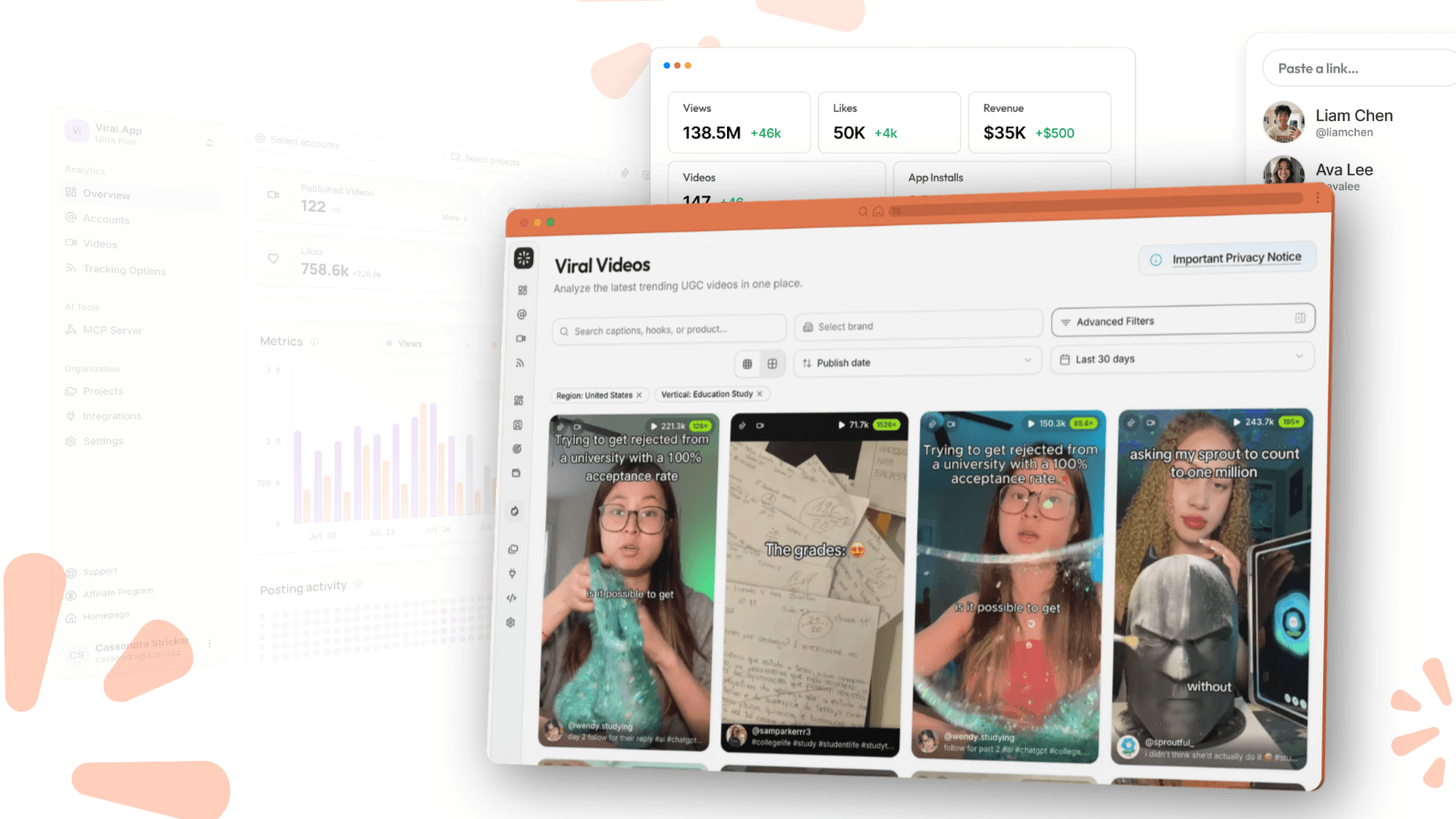
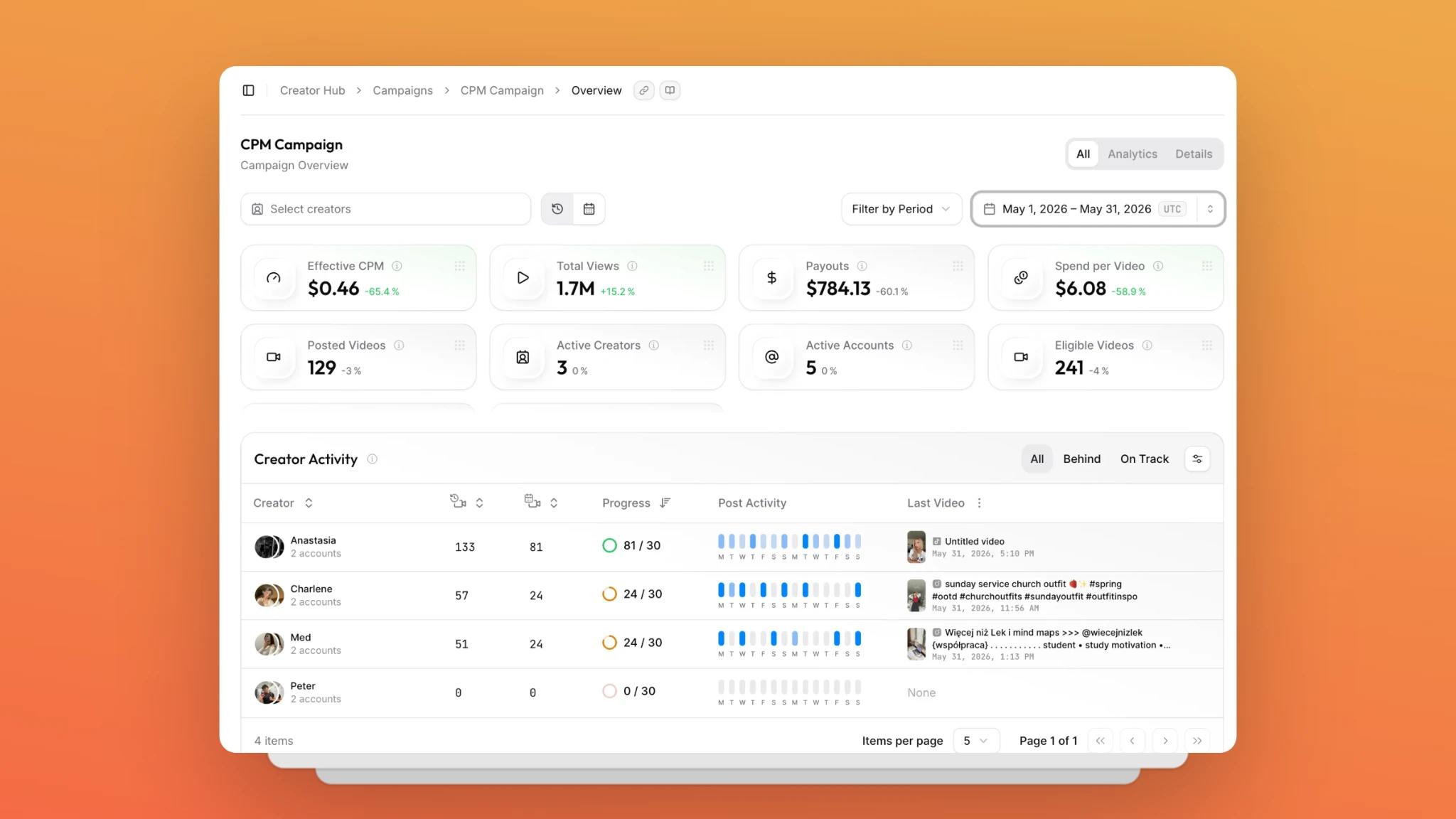
viral.app is built for UGC marketing and creator campaign management. It lets teams track content performance across TikTok, Instagram Reels, YouTube Shorts, and Snapchat Spotlight in one place, so you do not have to jump between platforms or rely on messy spreadsheets. It also helps with creator payouts, reporting, and campaign monitoring, which matters a lot once the number of posts starts growing.
Here is where it helps most:
You can hire creators through the built-in Canvas UGC marketplace: post a job and review applications that include portfolio videos, connected accounts, languages, and location.
You can track creator posts and campaign results from one dashboard.
You can compare which hooks, formats, and creators are performing best.
You can manage payouts more cleanly when campaigns are based on results.
You can keep an eye on competing accounts and content patterns.
You can organize a larger creator program without losing visibility.
For teams that want to grow through Canvas UGC, that kind of structure matters, and it gives you a clearer view of what is working, what is not, and where to put more budget next.
FAQ
Yes. Canvas UGC is a strong fit for app acquisition because apps need frequent content testing, clear storytelling, and repeatable hooks. Instead of relying only on paid ads, teams can build brand-owned short-form accounts that test different problems, use cases, and creator voices until the best formats start driving installs.