| Template | Use it when | What is inside |
|---|---|---|
Influencer Brief for UGC Campaigns | A creator is about to start filming | Blank brief, two filled examples, deliverables board |
Influencer Campaign Tracker | Several creators owe you drafts, live links and invoices | Four linked databases, five saved action views, a stage board |
Influencer Campaign Report | Someone asks what the campaign cost and what it got | Three linked databases, cost per 1,000 views, a stakeholder report page |
Performance-Pay Budget Planner | You are about to offer creators a base fee plus pay per view | Two linked databases, low, expected and high-view plans, budget headroom |
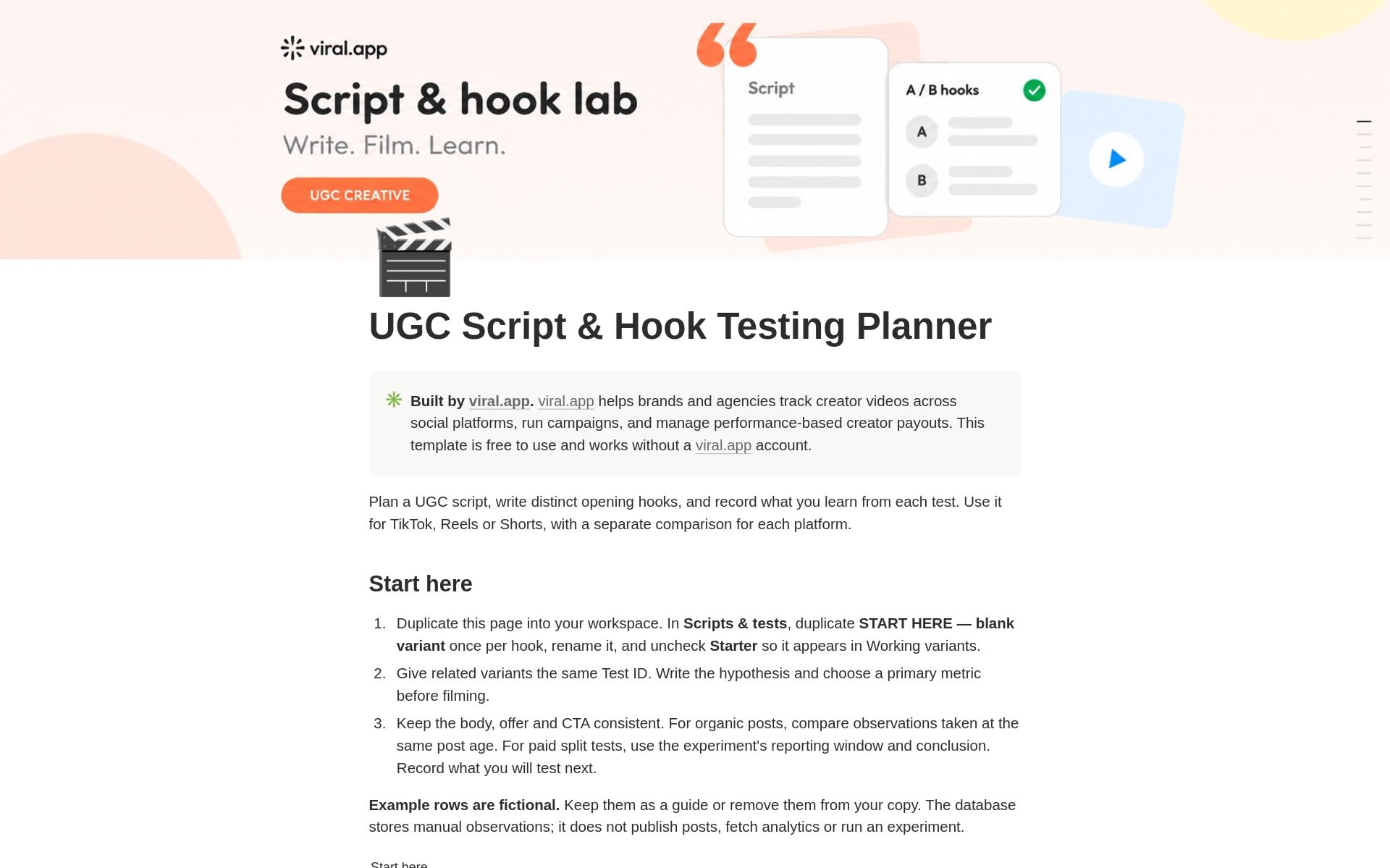
UGC Script & Hook Testing Planner | You want to compare two or three openings for one idea | Five-beat script structure, five hook prompts, a test log with decisions |
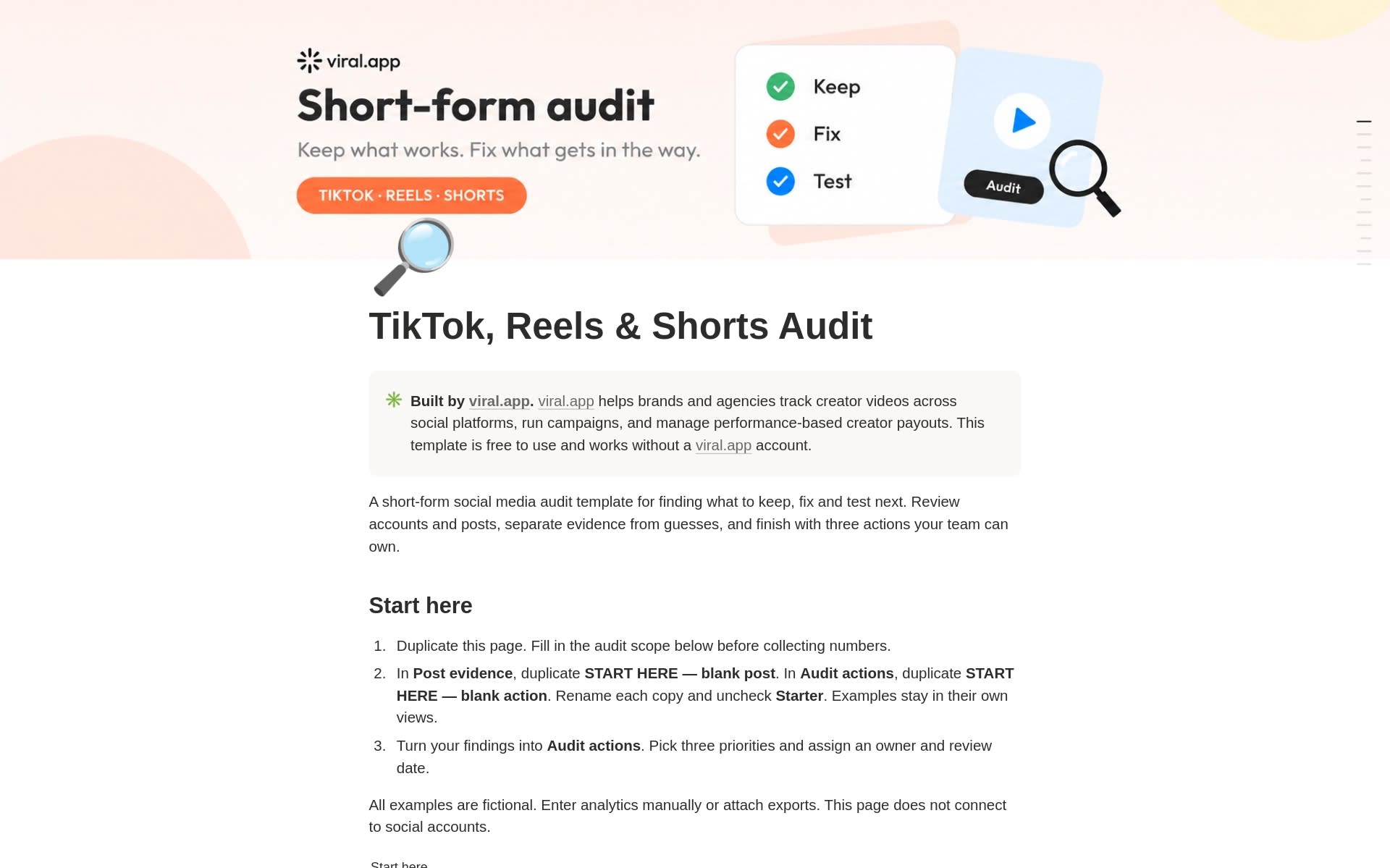
TikTok, Reels & Shorts Audit | An account needs a keep, fix and test review | Account checklist, post evidence log, a top-three action list |
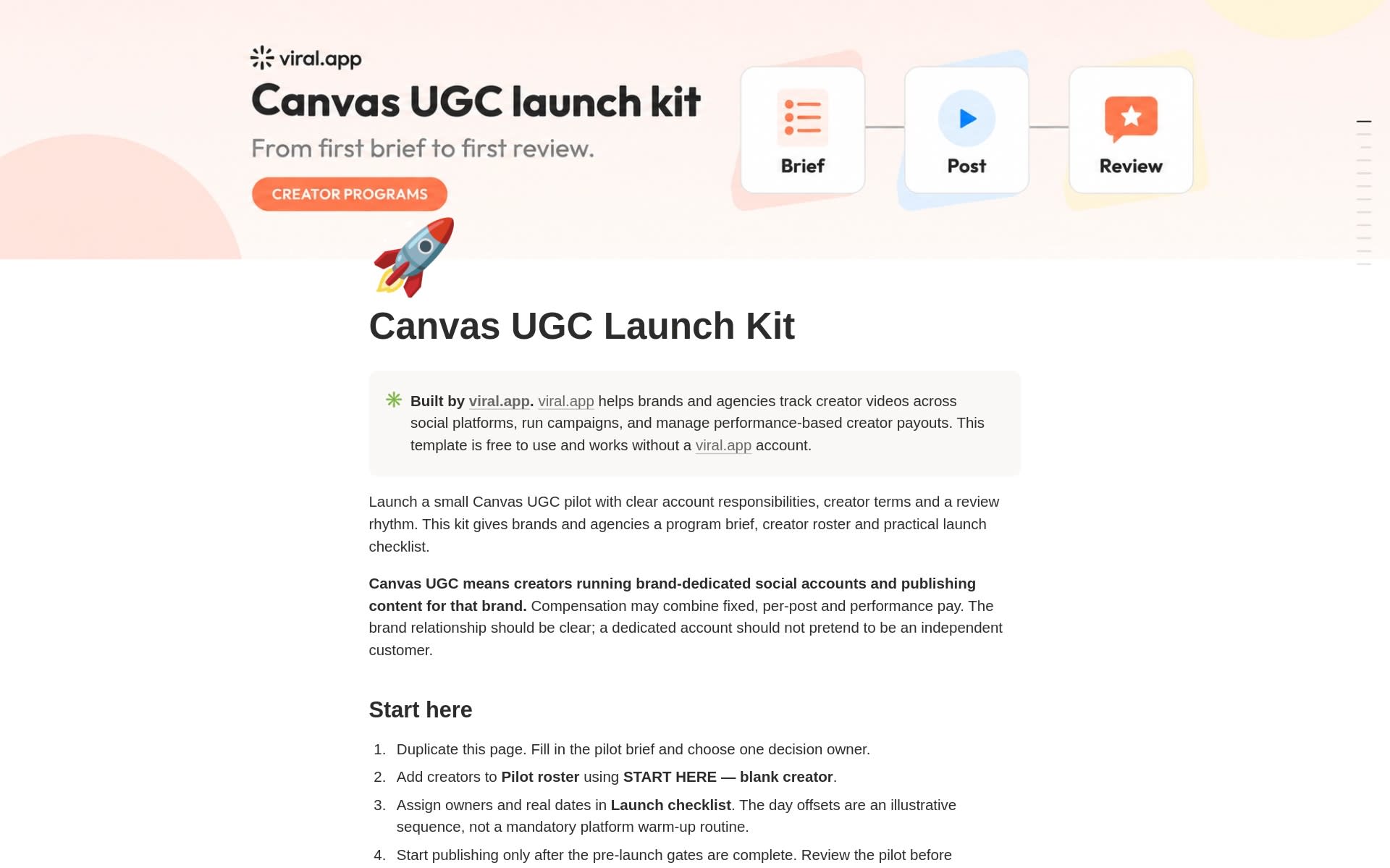
Canvas UGC Launch Kit | Creators will run dedicated accounts for your brand | Pilot brief, creator roster with launch gates, 12-step checklist |
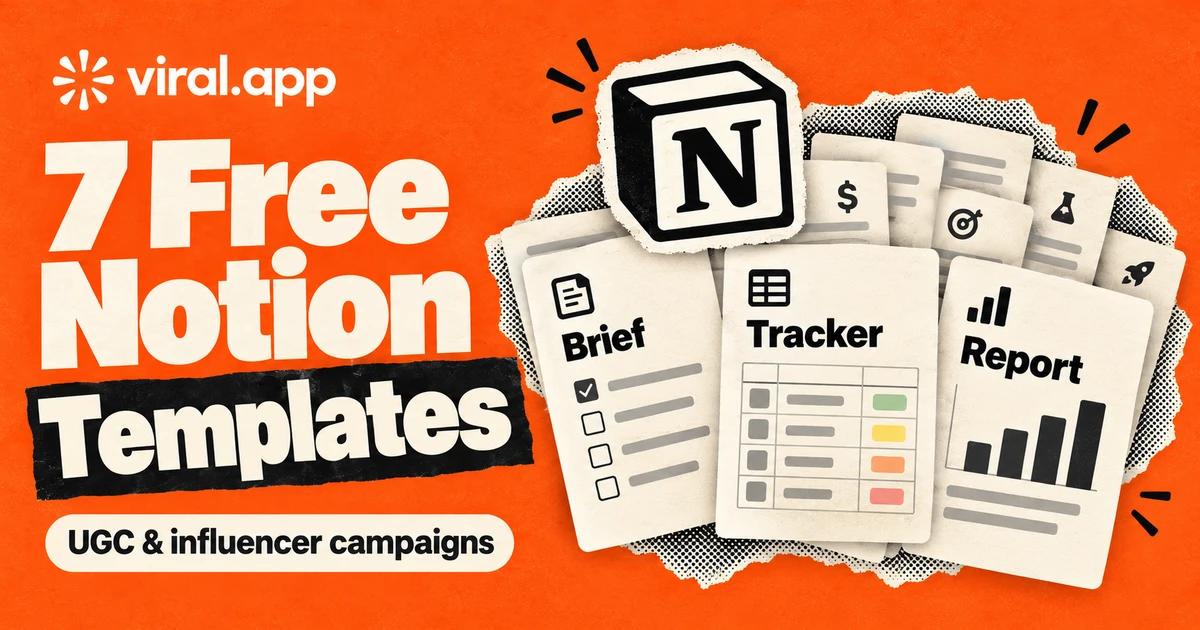
viral.app publishes seven free Notion templates for influencer marketing and UGC campaigns: an influencer brief, a campaign tracker, a campaign report, a performance-pay budget planner, a script and hook testing planner, a TikTok, Reels and Shorts audit, and a Canvas UGC launch kit. All seven sit on our Notion creator profile. You duplicate one into your own workspace and it is yours to edit. They use standard Notion databases and formulas, and you need neither a viral.app account nor a signup form to get them.
All seven Notion templates at a glance
As of October 2026, most templates labeled UGC on Notion's marketplace are built for creators: brand-deal trackers, pitch scripts, income logs. These seven are for the brand side, the person who writes the brief, approves the drafts, pays the invoices and reports the result. They assume short-form video. They do not cover finding creators, outreach or contracts; for outreach, use our influencer outreach templates.
The brief, tracker and report were released on September 23, 2026, the other four on October 3, 2026. Every example in them is made up and labeled as such, so nothing in a template is a benchmark or a rate recommendation.
How the templates fit one campaign
You can use any of them alone. Used together, they follow a campaign in the order the work happens:
Check the pay offer
Budget Planner: test the base fee, the fee per post and the pay per 1,000 views against your budget before you promise them to anyone.
Brief the creators
Influencer Brief: one page per creator with the goal, the message, the deliverables and the review process.
Plan the openings
Script & Hook Testing Planner: write two or three hooks for the same body and decide what you will measure before anyone films.
Keep the work moving
Campaign Tracker: drafts, approvals, live links, invoices and usage rights, with a view for each thing that goes missing.
Report the result
Campaign Report: views, engagements and costs per campaign, plus a write-up page for stakeholders.
Review the account
Short-form Audit: once enough comparable posts are live, decide what to keep, what to fix and what to test next.
The Canvas UGC Launch Kit is separate: use it only when creators post from accounts dedicated to your brand.
Influencer Brief Notion template
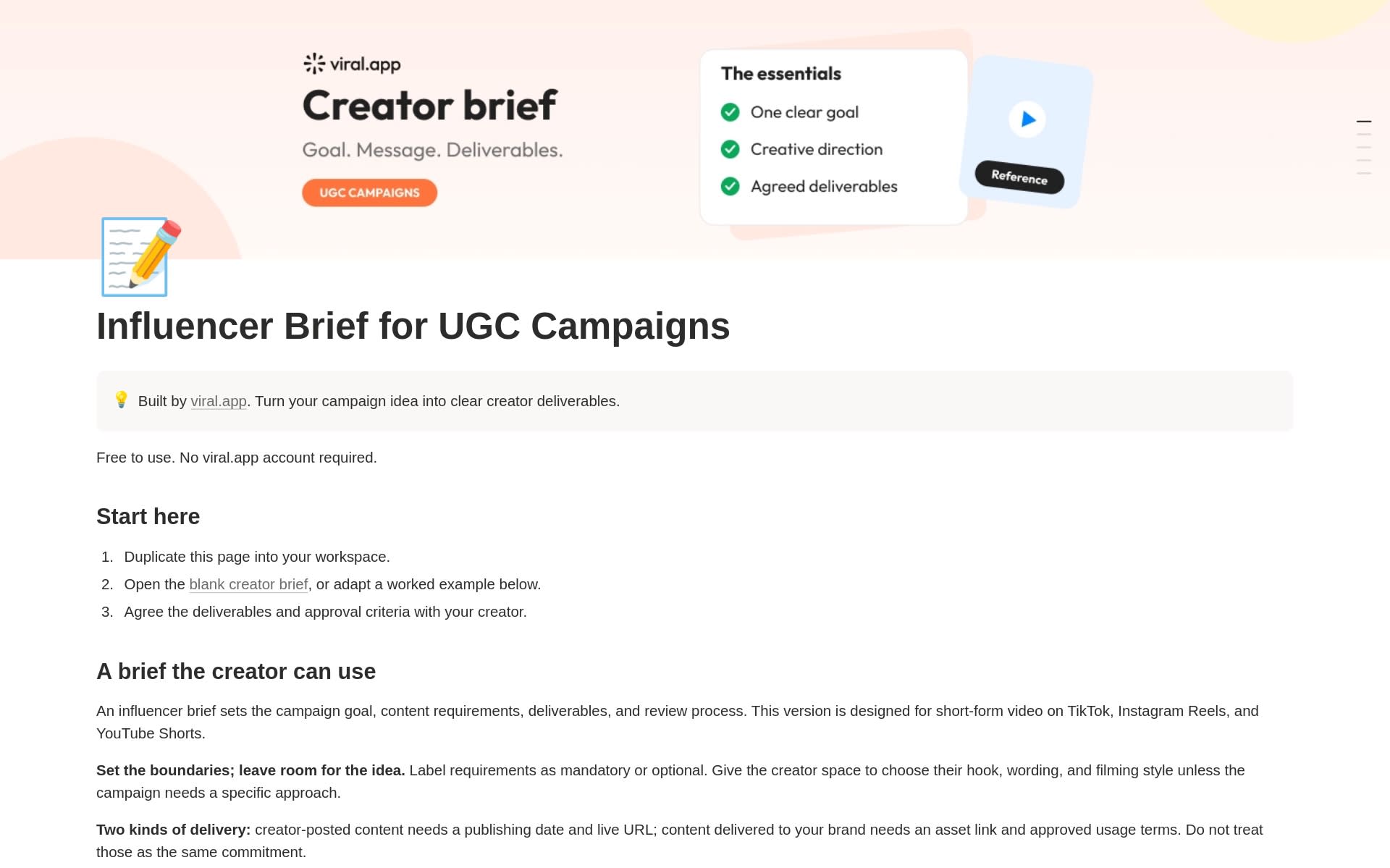
The Influencer Brief for UGC Campaigns is a Notion template for the page a creator reads before filming. It states the campaign goal, the audience, the one message to remember, the deliverables and dates, the mandatory requirements, and how review works. It is written for short-form video on TikTok, Instagram Reels and YouTube Shorts.
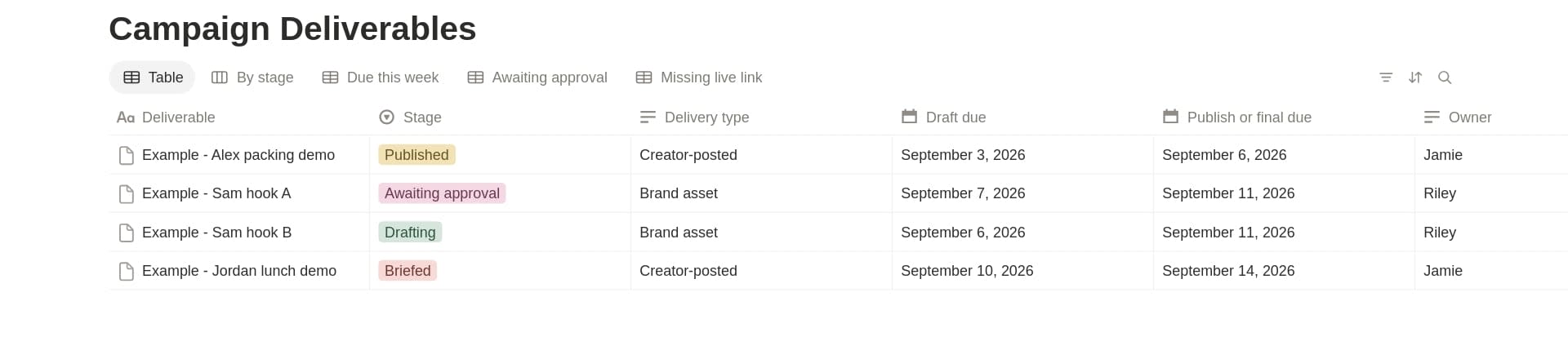
Inside are a blank creator brief with bracketed fields, a six-point "Before you send" checklist, and a Brief Deliverables database with a table and a board grouped by stage, from Briefed to Complete. Two filled examples show the two kinds of deal. In one, a creator posts a Reel for a lunchbox brand. In the other, a creator delivers two ad assets for a planning app, same body, different hooks.
A video the creator posts needs a publishing date and a live URL. A file delivered to you needs an asset link and agreed usage terms. The template keeps the two apart because they are different commitments. It also states that a brief does not replace your contract or grant usage rights.
Get the template: Influencer Brief on Notion, or preview the live page.
If you want the wording itself, our influencer brief template and filled example has a copy-paste version and the deal terms that hundreds of campaigns used.
Influencer Campaign Tracker Notion template
The Influencer Campaign Tracker is a Notion template that shows what has to happen next in a creator campaign and who owns it. It connects four databases. Creators holds reusable profiles. Collaborations holds one creator in one campaign, with the owner, the package fee and the usage window. Campaign Deliverables holds each asset with its deadline, stage and link. Payments holds each invoice once.
Two videos in one package share one collaboration and one payment, so a $450 package is recorded once, not as $900 of spend.
Five saved views show what to chase:
- Due this week: draft and final deadlines coming up
- Awaiting approval: your feedback queue
- Missing live link: creator-posted work marked Published without a URL
- Payment review: invoices ready for a human check
- Rights expiring: usage windows that end within 30 days
You enter everything yourself. The tracker does not sync with social platforms, send payments or grant rights.
Get the template: Influencer Campaign Tracker on Notion, or preview the live page.
Influencer Campaign Report Notion template
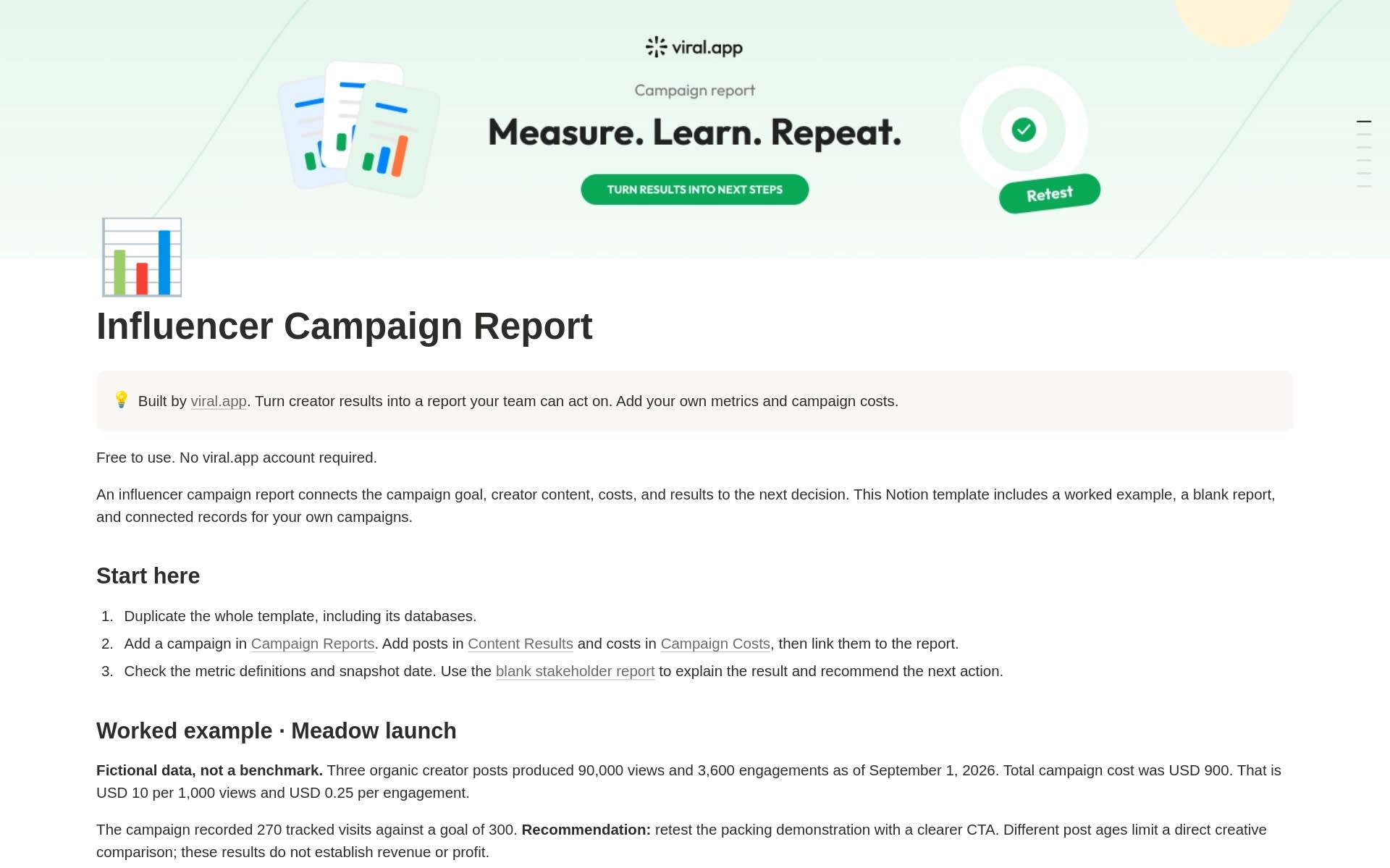
The Influencer Campaign Report is a Notion template that turns post-level numbers and costs into a campaign summary. Three databases feed it: Campaign Reports, Content Results (one row per post) and Campaign Costs (one row per invoice or cost). Formulas add up views, engagements and total cost, then work out cost per 1,000 views, cost per engagement and a view-based engagement rate.
In the worked example, three organic posts with 90,000 views, 3,600 engagements and $900 of total cost come to $10 per 1,000 views and $0.25 per engagement.
Two rules protect the totals. Engagements are likes plus comments plus shares on every platform, with saves left out so the definition stays the same everywhere. And the efficiency fields show "Check inputs" until every post's metrics and the costs are marked as checked and every post shares the report's snapshot date, so a half-filled report cannot produce a clean-looking cost per 1,000 views.
The shared snapshot date is there because views keep growing. In the data behind our campaign report template guide, a TikTok report closed 7 days after posting shows only 60% of the views the same videos have at day 30. For a rough benchmark, divide creator fees alone by views: across creator campaigns paid through viral.app, the median was $1.64 in creator pay per 1,000 counted views. The template's cost per 1,000 views also includes product and production costs, so expect yours to be higher.
A blank stakeholder report page covers the write-up: executive summary, scope and results, what to repeat, retest or stop, limitations, next actions and sign-off.
Get the template: Influencer Campaign Report on Notion, or preview the live page.
Performance-Pay Budget Planner
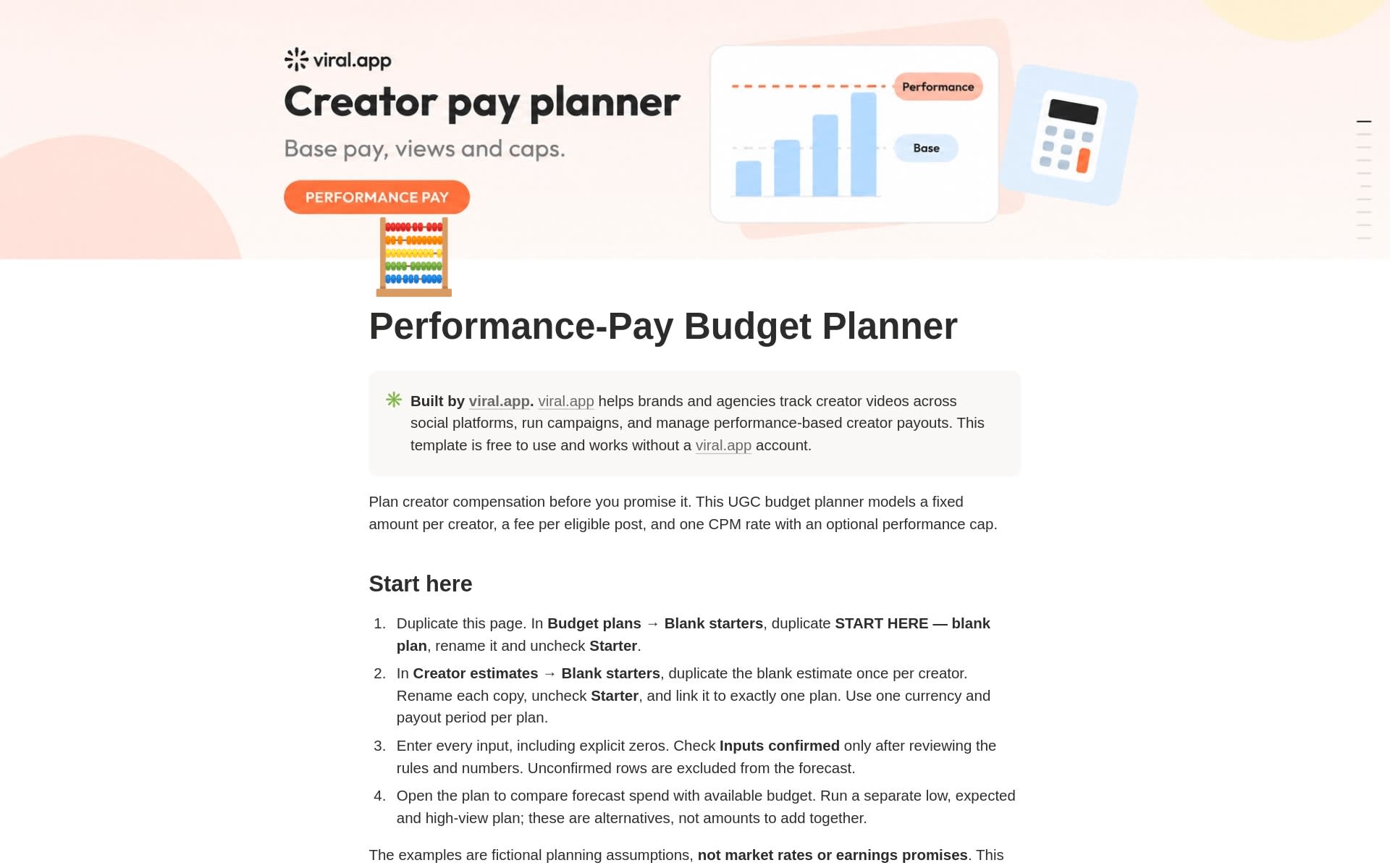
The Performance-Pay Budget Planner is a Notion template for checking a creator pay offer against a budget before you promise it. It models a hybrid deal: a fixed amount per creator, a fee per eligible post, and one rate per 1,000 views (CPM) with an optional cap. Across hundreds of viral.app campaigns in 2026, 57% paid a base per video plus pay for views, so this is the kind of offer most teams end up pricing.
The math is short enough to check on paper:
Creator forecast = fixed pay + eligible posts × fee per post + performance pay
Performance pay  = eligible views ÷ 1,000 × CPM (up to the cap, if one is enabled)
Plan forecast    = confirmed creator forecasts + other costs + reserve
Headroom         = budget − plan forecast
Take one creator with $100 fixed, 10 posts at $20 each and a $1 CPM capped at $300. At 200,000 eligible views the forecast is $500. At 800,000 views it is $600, because the performance part stops at the cap while the base stays outside it.
The template ships with the same two-creator roster at three view levels. Run the numbers and the high-view plan goes over budget:
The planner's example plan at three view levels (USD, invented numbers)
| Base pay | Performance pay | Other costs and reserve | Budget | |
|---|---|---|---|---|
| Low views | 500 | 87.5 | 250 | 1,400 |
| Expected views | 500 | 350 | 250 | 1,400 |
| High views | 500 | 750 | 250 | 1,400 |
With both creators at their cap, a good month costs $1,500 against a $1,400 budget, and it is better to learn that in a worksheet than in a payout run.
Two things to know before you start. Begin from the blank plan, because the example plans stay linked to the sample creators. And a creator row counts toward the forecast only after you tick it as confirmed. The planner stays simple: no tiered CPMs, per-video caps, milestone bonuses or mixed currencies.
Get the template: Performance-Pay Budget Planner on Notion, or preview the live page.
For choosing between flat fees, retainers and hybrid pay, read UGC pricing models, and for current market numbers see UGC rates.
UGC Script & Hook Testing Planner
The UGC Script & Hook Testing Planner is a Notion template for writing one script and comparing two or three openings for it. It gives you a five-beat script structure (opening, context, demonstration, proof, next step), five hook prompts to adapt, and a Scripts & tests database in which every variant is its own page with a hypothesis, a script, a shot list and a result.
Variants of one idea share a Test ID. You write down the one thing that changes, what stays the same, the primary metric and the review rule before filming, and each test ends in one of four decisions: Repeat, Revise, Inconclusive or Stop. Saved views show what is ready to film and what still needs a decision.
The planner does not pick a winner. Organic posts are not a controlled experiment, so it calls an organic result a directional signal and makes you list the confounders. Its own example: variant B got 20,000 views against 8,000 for A, but a different creator posted B, so the hook has proved nothing yet.
Get the template: UGC Script & Hook Testing Planner on Notion, or preview the live page.
For hooks worth testing, the free UGC examples library shows the on-screen hook of every viral video in it.
TikTok, Reels & Shorts Audit
The TikTok, Reels & Shorts Audit is a Notion template for reviewing a short-form account and ending with three actions: what to keep, what to fix and what to test next. You set the scope first (accounts, publishing dates, measurement method, organic or paid), then run six account checks and log posts in a Post evidence database.
Each account check gets Pass, Needs work or Unknown, with an evidence link and a proposed fix. We left out an account-health score on purpose: averaging a broken bio link with a caption problem into "72%" tells nobody what to do on Monday. Findings go into an Audit actions database, and one view shows only the actions you pick as your top three, each with an owner, a due date and a success check.
Every post is tagged as a same-age window, a lifetime snapshot or period activity, and unavailable metrics are marked Unknown, never entered as zero. If you need numbers to compare against, see our engagement metric formulas and benchmarks.
Get the template: TikTok, Reels & Shorts Audit on Notion, or preview the live page.
Canvas UGC Launch Kit
The Canvas UGC Launch Kit is a Notion template for planning a small Canvas UGC pilot. Canvas UGC means creators run social accounts dedicated to your brand and publish there, often for a mix of fixed and performance pay. The kit settles who owns each account, what each creator is offered, and what has to be true before the first post goes out.
A Pilot roster database holds one row per creator and account, with four gates: agreement confirmed, access tested, tracking ready and launch approved. A creator shows up as ready only when all four are checked. The Launch checklist database has 12 tasks in four phases, from confirming the pilot scope a week before launch to handing over account access at closeout. The day offsets are placeholders for your real dates.
The kit rules out fake engagement, borrowed identities and fabricated testimonials, keeps the brand relationship visible, and keeps passwords out of Notion. For disclosure it points to the FTC's guidance for influencers.
Get the template: Canvas UGC Launch Kit on Notion, or preview the live page.
How to duplicate a Notion template into your workspace
- Open a template from the table above, or pick one on the viral.app profile on Notion.
- Duplicate it into your workspace. Notion asks you to log in or create a free account first.
- Take the whole template, not single databases, so the linked databases stay connected.
- Start from the blank starter: the row named "START HERE" in the four newer templates, the blank page in the brief and the report. The tracker has no blank starter, so replace its example records with your own.
- In the other six, keep the examples until your first real record works, then delete them.
The tracker and the report ship with USD as the only currency option. Add your own before the first entry.
When Notion is enough and when it is not
Notion is enough while one person can keep the numbers current. The math turns quickly: at 30 videos per creator per month, the median monthly target in viral.app campaigns in 2026, five creators mean 150 view counts to re-type at every snapshot. Two jobs break first: collecting view counts for every post at the same post age, and working out what each creator has earned under the rules you agreed.
Keep the brief, the audit and the hook planner in Notion. Move the counting to software: UGC campaign management, video analytics and performance-based creator payments.
FAQ
Yes. All seven are listed as free on Notion's marketplace. You need a Notion account to duplicate them, but no viral.app account, and there is no signup form on our side.
Yes. They use only standard databases, relations, rollups and formulas. On Notion's Free plan, blocks are unlimited for one person. A workspace with two or more members has a block limit and may need a paid plan.
No. You enter every number yourself or attach an export. The templates do not connect to social accounts, send payments or sync with viral.app. Automatic tracking is what the viral.app product does.
Start with the Influencer Brief if a creator is about to film, and with the Performance-Pay Budget Planner if you have not agreed pay yet. Add the Campaign Tracker once more than two or three creators are working at the same time.
For brands and agencies that run creator campaigns. The Script & Hook Testing Planner is the one creators can use as it is. Creators looking for paid work can browse UGC jobs instead.
Yes, if you publish the brief page to the web and send the link. Anyone with the link can read a published Notion page without an account. To comment or edit, the creator needs a Notion account and an invite.
No. It is a forecast, not a payout statement. It estimates spend from assumed views so you can check an offer against a budget. What you owe depends on the actual eligible posts and views under the terms you agreed, which you reconcile separately.
Yes. Duplicate the template once per client so the linked databases stay separate, and keep creator contact and payment details out of any page you share with a client.
Running more creators than a Notion page can hold?
Keep the templates for the planning. When the tracking and the pay math start eating your week, viral.app counts every creator video and works out each payout for you, with a 7-day free trial.
Sign up for viral.app and connect your first campaign.